
What You’ll Find in This Guide
- Understanding financial forecasting fundamentals
- Key components of effective business forecasts
- Step-by-step guide to building advanced Excel templates
- Practical forecasting techniques for different business scenarios
- Risk management strategies for more reliable projections
- Downloadable templates for immediate implementation
- Real-world case studies and financial analysis examples
Understanding Financial Business Forecasting
Financial forecasting is more than just predicting numbers—it’s about creating a roadmap for your business’s financial future. By leveraging historical data, market trends, and business insights, forecasting helps you anticipate challenges and opportunities before they arise.
Why Financial Business Forecasting Matters
Effective forecasting serves as the foundation for financial business planning for beginners and seasoned professionals alike. It enables:
- Informed decision-making based on projected outcomes
- Strategic resource allocation and budget optimization
- Early identification of potential cash flow issues
- More accurate revenue and expense projections
- Better preparation for seasonal fluctuations
- Increased credibility with investors and stakeholders
- Improved ability to set realistic business goals
- Enhanced risk management capabilities
According to a study by FP&A Trends, businesses with robust forecasting processes are 35% more likely to achieve their financial targets compared to those with inconsistent approaches.
Ready to Transform Your Financial Planning?
Our advanced business finance forecasting Excel template provides the structure and tools you need to create accurate, actionable forecasts.
Key Components of an Advanced Business Finance Forecasting Excel Template
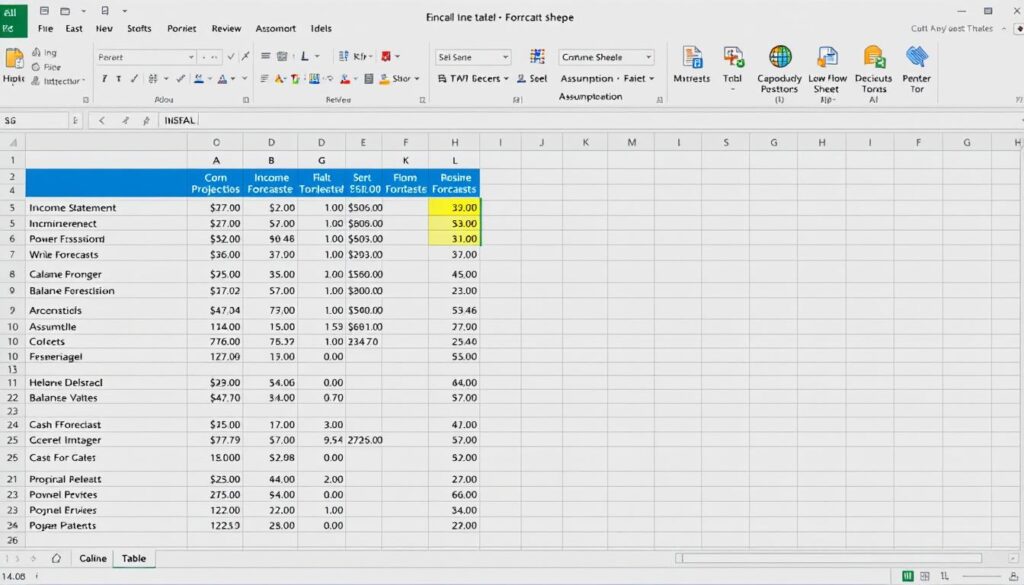
An effective forecasting template combines several critical elements that work together to provide a comprehensive financial outlook. Understanding these components is essential when learning how to create a financial business plan that delivers reliable insights.
Essential Sheets in Your Forecasting Template
Assumptions Sheet
The foundation of your forecast where you define key drivers like growth rates, margins, and operational metrics. This centralized approach allows for quick scenario testing.
Income Statement Projection
Projects your revenue, expenses, and profitability over the forecast period, helping you understand future profit potential and identify optimization opportunities.
Cash Flow Forecast
Tracks the timing of cash movements to ensure liquidity and identify potential shortfalls before they become critical issues.
Balance Sheet Projection
Projects your assets, liabilities, and equity positions to provide a complete picture of your financial health at future points in time.
KPI Dashboard
Visualizes key performance indicators and financial ratios to quickly assess business health and track progress toward goals.
Scenario Analysis
Allows you to model best-case, base-case, and worst-case scenarios to prepare for different potential outcomes.
Critical Formulas and Functions
The power of an advanced business finance forecasting Excel template lies in its formulas. These are some of the most important functions to incorporate:
| Formula | Purpose | Example Application |
| XNPV/XIRR | Calculates net present value and internal rate of return with irregular time periods | Evaluating investment opportunities with varying cash flows |
| FORECAST.ETS | Uses exponential smoothing for time-series forecasting | Projecting sales with seasonal patterns |
| INDEX/MATCH | Creates dynamic lookups for flexible data retrieval | Pulling specific data points from historical tables |
| SUMIFS | Sums values based on multiple criteria | Calculating revenue by product category and time period |
| OFFSET | Creates dynamic ranges that expand with new data | Building charts that automatically include new months |
Mastering these components is key to creating forecasts that not only predict financial outcomes but also provide actionable insights for strategic decision-making.
How to Build Your Advanced Business Finance Forecasting Excel Template
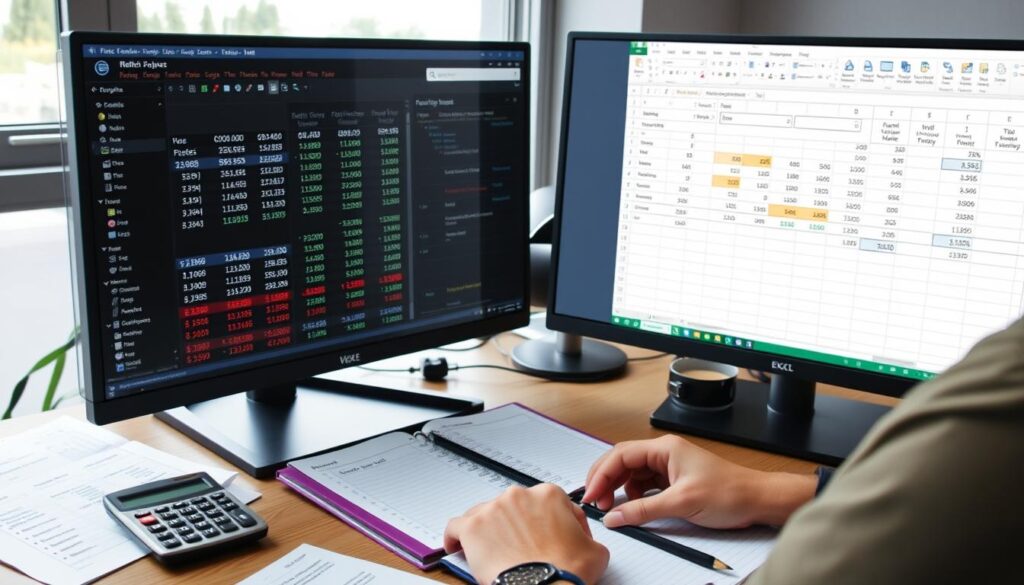
Creating a robust forecasting template requires a methodical approach. Follow these steps to build a template that delivers accurate projections and valuable insights for your business.
Step-by-Step Template Construction
- Set up your workbook structure
Create separate sheets for assumptions, historical data, projections, and dashboards. Use consistent color coding and formatting for clarity. - Build your assumptions sheet
Create a centralized location for all key drivers and variables. Include growth rates, margins, operational metrics, and macroeconomic factors that will influence your forecast. - Import and organize historical data
Gather 2-3 years of historical financial data to establish baselines and identify trends. Clean and standardize this data for consistency. - Create dynamic date ranges
Set up your template with flexible time periods that can adapt to monthly, quarterly, or annual forecasting needs. - Develop revenue projection formulas
Build formulas that calculate future revenue based on your assumptions and historical performance. Include different methodologies for various revenue streams. - Model operating expenses
Create detailed projections for both fixed and variable costs, linking them to appropriate drivers (e.g., headcount, revenue percentages, inflation). - Build integrated financial statements
Develop formulas that connect your income statement, balance sheet, and cash flow forecasts to ensure consistency across projections. - Add scenario modeling capabilities
Incorporate the ability to toggle between different scenarios (best-case, base-case, worst-case) to understand potential outcomes. - Create visualization dashboards
Build charts and graphs that highlight key metrics and trends for at-a-glance understanding of forecast implications. - Implement validation checks
Add formula checks to ensure your balance sheet balances and other key relationships remain intact.
Best Practices for Template Design
Structure and Organization
- Use consistent formatting across all sheets
- Color-code input cells, calculation cells, and output cells
- Create a table of contents for easy navigation
- Include documentation for complex calculations
Formula Efficiency
- Use named ranges for clarity and maintenance
- Minimize volatile functions (NOW, TODAY, RAND) that recalculate constantly
- Build modular formulas that are easier to troubleshoot
- Create formula documentation in cell comments
Pro Tip: When building your template, separate input cells from calculation cells. This makes it easier for users to understand where they should enter data versus where formulas are performing calculations automatically.
Following these steps will help you create a template that not only produces accurate forecasts but is also user-friendly and adaptable to changing business conditions.
Skip the Building Process
Save hours of development time with our pre-built advanced business finance forecasting Excel template.
Financial Business Forecasting Techniques for Accurate Projections
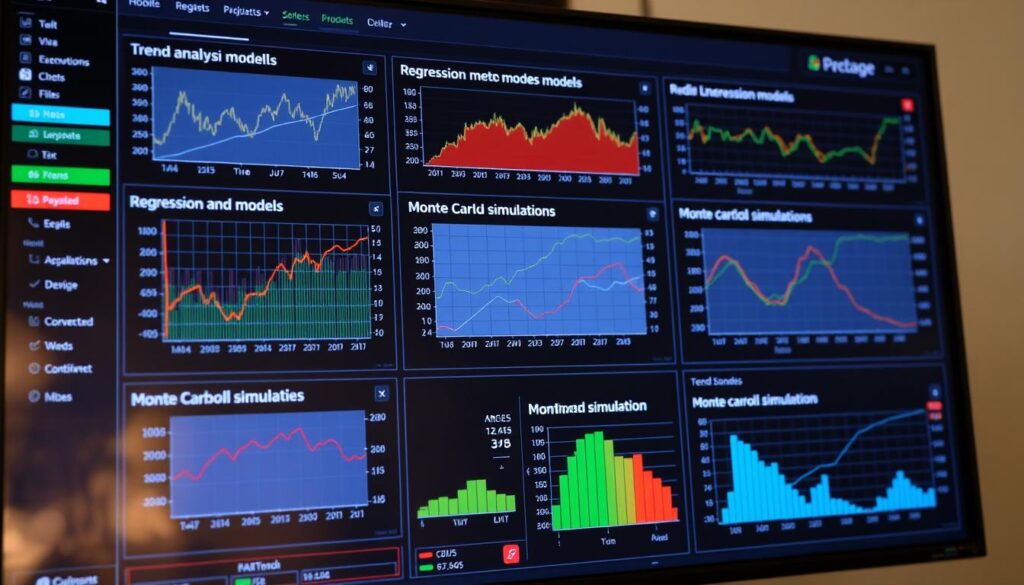
The methodology behind your forecasts significantly impacts their accuracy and usefulness. Understanding different financial business forecasting techniques allows you to select the right approach for your specific business needs.
Top Forecasting Methodologies
Historical Trend Analysis
Best for: Stable businesses with consistent historical patterns
This approach extrapolates future performance based on historical data patterns. It works well when past performance is a reliable indicator of future results.
Implementation: Use Excel’s TREND, GROWTH, or FORECAST.ETS functions to project values based on historical sequences.
Driver-Based Forecasting
Best for: Businesses with clear operational drivers
This method links financial outcomes to specific business drivers (e.g., headcount, production capacity, marketing spend) for more accurate projections.
Implementation: Create formulas that calculate financial outcomes based on operational metrics and their relationships.
Rolling Forecast
Best for: Dynamic environments with frequent changes
Instead of annual forecasts, rolling forecasts continuously update to maintain a consistent forward-looking time horizon (e.g., always looking 12 months ahead).
Implementation: Structure your template to automatically shift the forecast period as new actual data becomes available.
Scenario Analysis
Best for: Preparing for uncertainty
This technique models multiple potential futures based on different sets of assumptions to understand possible outcomes and prepare contingency plans.
Implementation: Use Excel’s Scenario Manager or create toggle switches to easily shift between different assumption sets.
Monte Carlo Simulation
Best for: Complex forecasts with multiple variables
This advanced method runs thousands of simulations with randomly varied inputs to understand the probability distribution of possible outcomes.
Implementation: Use Excel add-ins or create formulas that incorporate randomization to simulate multiple scenarios.
Bottom-Up Forecasting
Best for: Detailed operational planning
This approach builds forecasts by aggregating detailed projections from individual business units, products, or channels.
Implementation: Create separate projection sections for each business component, then sum them for consolidated forecasts.
Choosing the Right Technique for Your Business
The best forecasting approach depends on your business model, available data, and specific objectives. Consider these factors when selecting your methodology:
| Business Characteristic | Recommended Technique | Why It Works |
| Stable, established business | Historical Trend Analysis | Leverages reliable patterns in historical data |
| Rapidly growing startup | Driver-Based + Scenario Analysis | Accounts for growth drivers while preparing for different trajectories |
| Seasonal business | Time Series Analysis with Seasonality | Captures cyclical patterns in your business |
| Project-based business | Bottom-Up Forecasting | Builds forecast from individual project timelines and values |
| Volatile market conditions | Rolling Forecast + Monte Carlo Simulation | Provides frequent updates and probability distributions |
Key Insight: The most effective forecasts often combine multiple techniques. For example, using driver-based forecasting for near-term projections while incorporating trend analysis for longer-term planning.
By selecting the right forecasting techniques and implementing them in your Excel template, you’ll create projections that provide meaningful insights for strategic decision-making.
How to Manage Financial Business Risks in Your Forecasts
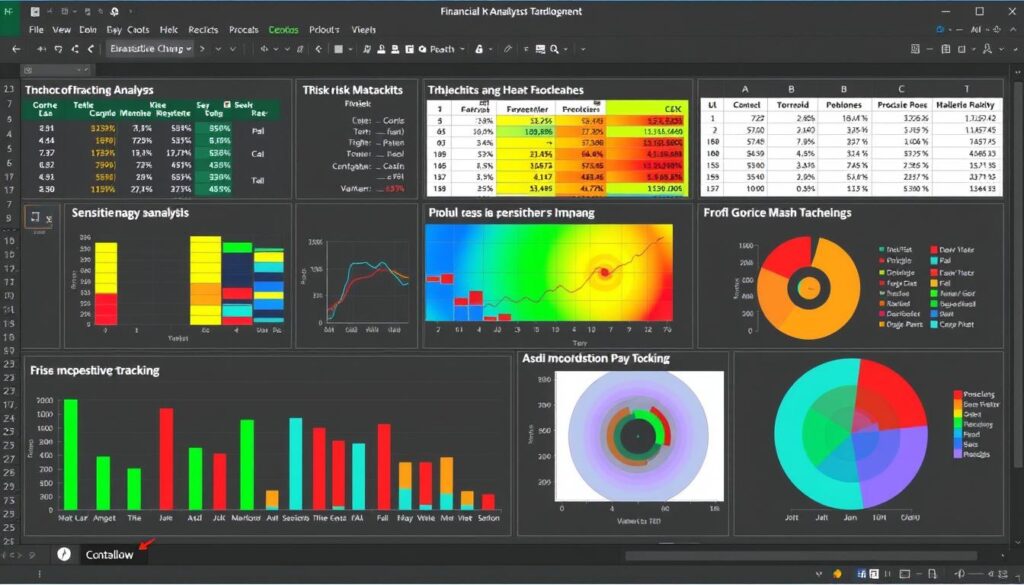
Even the most sophisticated forecasts contain uncertainty. Learning how to manage financial business risks within your forecasting process is essential for creating projections that remain useful even when conditions change.
Risk Identification and Quantification
The first step in managing forecast risk is identifying and measuring potential variables that could impact your projections:
Common Financial Forecast Risks
- Revenue volatility and sales uncertainty
- Cost fluctuations (materials, labor, overhead)
- Market changes and competitive pressures
- Regulatory and compliance changes
- Currency and interest rate fluctuations
Quantification Methods
- Sensitivity analysis to measure impact of variable changes
- Variance tracking to identify forecast accuracy
- Probability weighting for different outcomes
- Historical error analysis to improve future forecasts
- Stress testing for extreme scenarios
Risk Mitigation Strategies in Excel Templates
Your advanced business finance forecasting Excel template should include these risk management features:
Sensitivity Analysis Tables
Create data tables that show how changes in key variables affect your bottom line. For example, how a 5% change in revenue or cost of goods sold impacts profit.
Implementation: Use Excel’s Data Table feature to automatically calculate outcomes across a range of input values.
Scenario Manager
Build the ability to quickly switch between different sets of assumptions to model various potential futures and prepare contingency plans.
Implementation: Use Excel’s built-in Scenario Manager or create custom dropdown selectors linked to different assumption sets.
Confidence Intervals
Display the range of likely outcomes rather than single-point estimates to acknowledge inherent uncertainty in forecasts.
Implementation: Use statistical functions like CONFIDENCE or create high/low ranges based on historical variance.
Benefits of Risk-Aware Forecasting
- More realistic expectations for stakeholders
- Better preparation for potential challenges
- Improved decision-making with risk context
- Greater forecast credibility with leadership
- Faster response to changing conditions
Pitfalls to Avoid
- Over-complicating models with too many variables
- Analysis paralysis from excessive scenario planning
- Focusing only on downside risks, ignoring opportunities
- Failing to update risk assessments as conditions change
- Not communicating uncertainty to stakeholders
“The goal isn’t to eliminate uncertainty in forecasting—it’s to understand and manage it. A forecast that acknowledges its limitations is far more valuable than one that projects false precision.”
By incorporating these risk management techniques into your advanced business finance forecasting Excel template, you’ll create more resilient projections that maintain their value even when business conditions change unexpectedly.
Financial Analysis Example: Putting Your Template to Work
Understanding how to apply your advanced business finance forecasting Excel template to real-world scenarios is crucial for extracting maximum value. This small business financial analysis guide example demonstrates how to use your template for strategic decision-making.
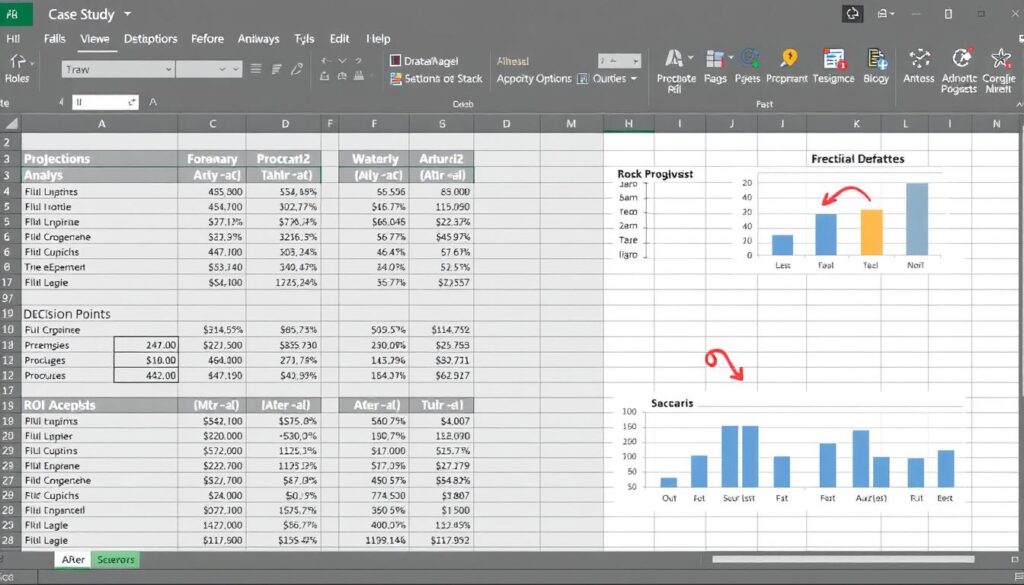
Case Study: SaaS Startup Expansion Planning
Let’s examine how a SaaS company used an advanced forecasting template to evaluate a market expansion opportunity:
| Business Scenario | Analysis Approach | Template Features Used | Outcome |
| SaaS company considering expansion into new market segment | Multi-scenario cash flow projection with ROI analysis | Driver-based revenue modeling, customer acquisition cost tracking, churn rate analysis | Identified break-even timeline and minimum customer acquisition targets |
Step 1: Establish Baseline Forecast
The company first created a baseline forecast using their existing business metrics:
- Current customer base: 250 accounts
- Average revenue per account: $1,200/month
- Customer acquisition cost: $5,000
- Annual churn rate: 15%
- Gross margin: 75%
Step 2: Model Expansion Scenarios
Using the template’s scenario capabilities, they modeled three potential expansion approaches:
| Scenario | New Customer Acquisition | CAC in New Market | Expected Churn | Additional Operating Costs |
| Conservative | 10/month | $6,500 | 20% | $25,000/month |
| Base Case | 15/month | $6,000 | 18% | $25,000/month |
| Aggressive | 25/month | $5,500 | 16% | $30,000/month |
Step 3: Cash Flow and Break-Even Analysis
The template calculated monthly cash flows for each scenario, revealing:
- Conservative: Break-even in month 18, 5-year NPV of $1.2M
- Base Case: Break-even in month 14, 5-year NPV of $2.1M
- Aggressive: Break-even in month 11, 5-year NPV of $3.5M
Step 4: Sensitivity Analysis
Using the template’s sensitivity tools, they identified the most critical variables:
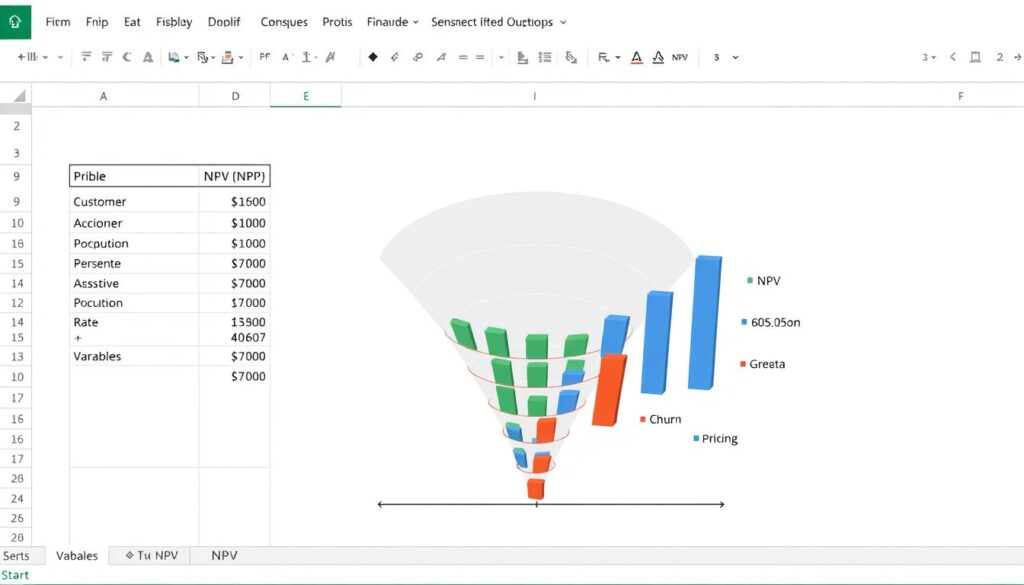
The analysis revealed that churn rate had the most significant impact on long-term profitability, while acquisition cost primarily affected the break-even timeline.
Step 5: Decision and Implementation
Based on the forecast analysis, the company:
- Proceeded with the base case expansion plan
- Set trigger points to scale up or down based on actual performance
- Implemented enhanced customer retention initiatives to address the critical churn factor
- Established monthly forecast reviews to compare actuals against projections
Key Insight: The template’s scenario modeling revealed that focusing resources on customer retention would yield better returns than accelerating acquisition, leading to a strategic shift in their expansion approach.
This example demonstrates how an advanced business finance forecasting Excel template goes beyond simple projections to become a strategic decision-making tool, helping businesses evaluate options and optimize resource allocation.
Advanced Business Finance Forecasting Excel Templates You Can Use
Skip the development process and accelerate your financial planning with these ready-to-use templates. Each template addresses specific forecasting needs and incorporates best tools for financial business planning.
Comprehensive Forecasting Templates
5-Year Financial Projection Model
Best for: Strategic planning and investor presentations
Key features:
- Integrated 3-statement model (P&L, Balance Sheet, Cash Flow)
- Multiple revenue stream modeling
- Scenario comparison dashboard
- Investor-ready outputs and charts
Complexity level: Advanced
Rolling 12-Month Forecast Template
Best for: Operational planning and cash management
Key features:
- Automatically updating time periods
- Variance analysis against actuals
- Cash flow forecasting with timing adjustments
- Monthly KPI tracking dashboard
Complexity level: Intermediate
Driver-Based Budget Model
Best for: Detailed operational budgeting
Key features:
- Operational metrics linked to financial outcomes
- Department-level budget builders
- Headcount and compensation planning
- Budget vs. actual tracking
Complexity level: Intermediate
Specialized Forecasting Templates
SaaS Financial Model
Best for: Subscription-based businesses
Key features:
- Cohort-based customer analysis
- MRR/ARR forecasting
- Customer acquisition modeling
- SaaS-specific metrics (CAC, LTV, Churn)
Complexity level: Advanced
Cash Flow Forecasting Tool
Best for: Cash management and liquidity planning
Key features:
- Weekly cash flow projections
- Accounts receivable aging integration
- Payment timing optimization
- Cash runway calculator
Complexity level: Intermediate
Startup Financial Projection Template
Best for: Early-stage companies and fundraising
Key features:
- Pre-revenue modeling capabilities
- Funding round planning
- Burn rate and runway analysis
- Milestone-based projections
Complexity level: Intermediate
Specialized Analysis Templates
Sensitivity Analysis Tool
Best for: Risk assessment and scenario planning
Key features:
- Multi-variable data tables
- Tornado chart generators
- Monte Carlo simulation capabilities
- Break-even analysis tools
Complexity level: Advanced
KPI Dashboard Template
Best for: Performance tracking and reporting
Key features:
- Customizable metric tracking
- Automated data visualization
- Trend analysis and forecasting
- Executive summary views
Complexity level: Beginner to Intermediate
Financial Ratio Analysis Template
Best for: Financial health assessment
Key features:
- Comprehensive ratio calculations
- Industry benchmark comparisons
- Trend analysis over time
- Visual ratio dashboards
Complexity level: Intermediate
Get Your Advanced Business Finance Forecasting Excel Template
Download our comprehensive template package that includes all the tools you need for accurate, insightful financial forecasting.
Step-by-Step Strategy for Implementing Your Forecasting Template
Having the right template is just the beginning. Successful implementation requires a thoughtful approach to ensure your forecasting process delivers reliable insights. Follow these steps to build a financial business model that drives strategic decision-making.

Implementation Roadmap
- Gather and validate historical data
Collect 2-3 years of financial data from your accounting system. Clean and standardize this data to ensure it provides a reliable foundation for your forecasts. - Define key business drivers
Identify the operational metrics that truly drive your financial performance. These might include conversion rates, customer acquisition costs, productivity metrics, or capacity utilization. - Establish forecasting assumptions
Document clear assumptions for growth rates, margins, and other variables. Base these on historical performance, market research, and strategic plans. - Customize the template
Adapt the template to your specific business model. Add relevant revenue streams, expense categories, and KPIs that matter to your organization. - Build in automation
Create connections to data sources where possible to reduce manual entry. Set up formulas that automatically update calculations when inputs change. - Develop multiple scenarios
Create at least three scenarios (conservative, base case, optimistic) to understand the range of potential outcomes and prepare for different conditions. - Validate with backtesting
Test your model against historical periods to ensure it would have accurately predicted known outcomes. Refine formulas and assumptions based on these results. - Establish a regular review process
Set a cadence for updating your forecast (monthly or quarterly) and comparing projections to actuals. Document variances and their causes. - Create actionable reporting
Design reports and dashboards that highlight key insights and support decision-making, not just data dumps. - Train your team
Ensure all stakeholders understand how to use and interpret the forecast. Document procedures for updating and maintaining the model.
Keys to Successful Implementation
Process Considerations
- Assign clear ownership for maintaining the forecast
- Establish a calendar for regular updates and reviews
- Document data sources and calculation methodologies
- Create a feedback loop to continuously improve accuracy
Change Management
- Secure executive sponsorship for the forecasting process
- Involve stakeholders in design to ensure buy-in
- Communicate the value and purpose of the new approach
- Provide training and support during transition
“The most valuable forecasts aren’t necessarily the most complex or the most accurate—they’re the ones that change how decisions are made.”
By following this implementation strategy, you’ll transform your advanced business finance forecasting Excel template from a static spreadsheet into a dynamic decision-making tool that drives better business outcomes.
Need Implementation Support?
Our team can help you customize and implement your forecasting template for maximum impact.
How to Automate Financial Business Processes with Your Template
Manual forecasting processes are time-consuming and error-prone. Learning how to automate financial business processes can dramatically improve efficiency and accuracy, freeing your team to focus on analysis rather than data entry.
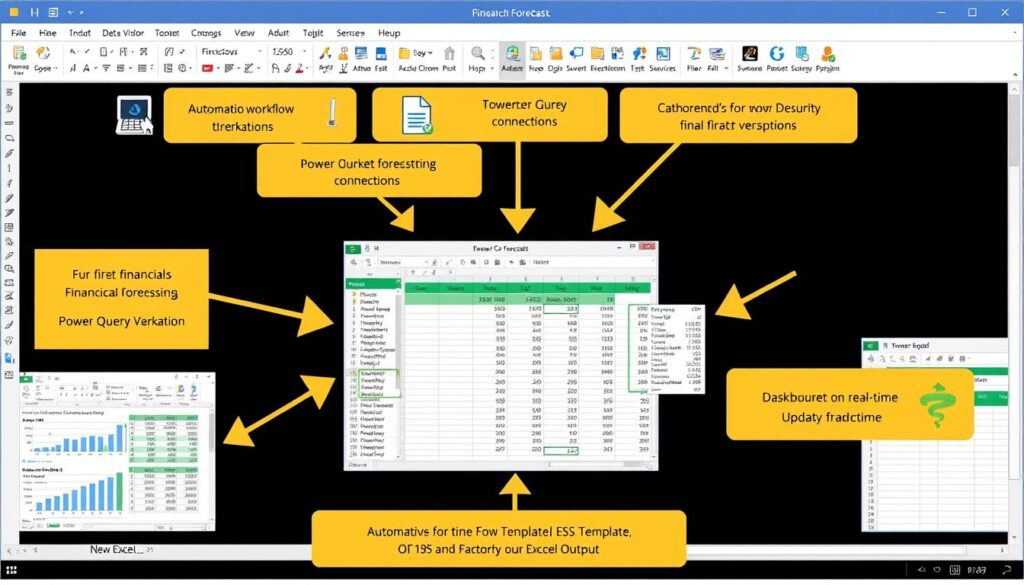
Automation Opportunities in Financial Forecasting
Data Collection
Manual approach: Copying and pasting from accounting systems, CRM, and other sources
Automated solution: Use Power Query to import and transform data directly from source systems
Benefit: Eliminates data entry errors and saves hours of preparation time
Calculation Updates
Manual approach: Manually updating formulas and checking for errors
Automated solution: Create dynamic named ranges and structured references that adapt to new data
Benefit: Ensures calculation integrity and reduces formula maintenance
Reporting & Visualization
Manual approach: Recreating charts and tables for each reporting cycle
Automated solution: Build dynamic charts and PivotTables that refresh automatically
Benefit: Provides consistent, up-to-date visualizations with minimal effort
Excel Automation Tools and Techniques
Excel offers several powerful automation capabilities that can transform your forecasting process:
| Automation Tool | Use Case | Implementation Complexity |
| Power Query | Importing and transforming data from multiple sources | Moderate |
| Power Pivot | Creating data models and relationships between tables | Moderate to High |
| Data Validation | Controlling inputs and creating dropdown selectors | Low |
| Conditional Formatting | Automatically highlighting variances and exceptions | Low |
| Excel Tables | Creating self-expanding ranges for data | Low |
| VBA Macros | Custom automation for complex processes | High |
Step-by-Step Automation Implementation
- Identify repetitive tasks
Document your current forecasting process and highlight steps that are repetitive, time-consuming, or error-prone. - Start with data connections
Set up Power Query connections to your key data sources (accounting system, CRM, etc.) to automate data imports. - Structure your data properly
Convert raw data ranges to Excel Tables (Ctrl+T) to create self-expanding ranges that automatically include new data. - Create dynamic named ranges
Use named ranges to make formulas more readable and reliable, especially for date-dependent calculations. - Build automated dashboards
Create charts and PivotTables that reference your structured data and automatically update when data changes. - Add user controls
Implement dropdown lists, checkboxes, and other controls that allow users to change scenarios or views without modifying formulas. - Document and test
Create clear documentation for how the automation works and thoroughly test to ensure reliability.
Important Note: When automating your forecasting process, always maintain the ability to review and override automated calculations. Automation should enhance human judgment, not replace it.
By implementing these automation techniques, you can transform your advanced business finance forecasting Excel template into a powerful, efficient tool that delivers consistent insights with minimal manual effort.
Frequently Asked Questions
How do I create a financial business plan using Excel templates?
To create a financial business plan using Excel templates, start by selecting a comprehensive template that includes income statements, balance sheets, and cash flow projections. Customize the template to reflect your business model by adjusting revenue streams, expense categories, and growth assumptions. Input your historical data as a baseline, then develop realistic projections based on market research and business goals. Include different scenarios (best-case, base-case, worst-case) to account for uncertainty. Finally, create an executive summary dashboard that highlights key metrics and insights from your financial projections.
What are the most important financial business ratios to include in my forecasting template?
The most important financial business ratios to include in your forecasting template depend on your industry and business model, but several key ratios are universally valuable:
- Profitability ratios: Gross margin, operating margin, net profit margin
- Liquidity ratios: Current ratio, quick ratio, cash ratio
- Efficiency ratios: Inventory turnover, accounts receivable turnover, asset turnover
- Leverage ratios: Debt-to-equity, interest coverage ratio
- Growth metrics: Year-over-year revenue growth, EBITDA growth
- Valuation metrics: EBITDA multiple, P/E ratio (for public companies)
Your template should automatically calculate these ratios based on your projected financial statements and track their trends over the forecast period.
How can I improve the accuracy of my financial business forecasts?
To improve the accuracy of your financial business forecasts:
- Use historical data intelligently: Analyze past performance to identify patterns and trends, but adjust for known changes.
- Implement driver-based forecasting: Link financial outcomes to operational metrics that truly drive your business.
- Segment your forecast: Break down projections by product line, customer segment, or channel for more precise modeling.
- Incorporate external factors: Consider market trends, seasonality, and economic indicators that impact your business.
- Review and adjust regularly: Compare actual results to forecasts monthly or quarterly and refine your assumptions.
- Gather cross-functional input: Include insights from sales, operations, and marketing teams for a more comprehensive view.
- Track forecast accuracy: Measure variance between forecasts and actuals to identify systematic biases.
Remember that the goal isn’t perfect accuracy but rather continuous improvement in your forecasting process.
What are the best tools for financial business planning beyond Excel?
While Excel remains a powerful and flexible tool for financial forecasting, several specialized platforms offer enhanced capabilities:
- Adaptive Planning: Cloud-based planning and forecasting with strong collaboration features
- Anaplan: Enterprise-level connected planning platform for complex organizations
- Planful: Comprehensive financial planning, consolidation, and reporting solution
- Prophix: Corporate performance management software with advanced modeling capabilities
- Jirav: Driver-based financial planning platform designed for growing businesses
- Cube: FP&A platform that connects to Excel for familiar interface with enhanced capabilities
- Causal: Modern planning tool with scenario modeling and interactive dashboards
These tools typically offer advantages in collaboration, data integration, and scalability, though they generally require more investment than Excel-based solutions.
How do I track financial business performance against my forecast?
To effectively track financial business performance against your forecast:
- Create a variance analysis template: Build a structured format that compares actual results to forecasted figures, calculating both absolute and percentage variances.
- Establish a regular review cadence: Set up monthly or quarterly reviews to analyze performance against projections.
- Focus on key metrics: Prioritize the most important KPIs rather than analyzing every line item.
- Implement visual dashboards: Create charts that highlight trends and variances at a glance.
- Document variance explanations: Record the reasons for significant deviations to improve future forecasts.
- Track leading indicators: Monitor early warning signs that might impact future performance.
- Update rolling forecasts: Adjust future projections based on current performance and changing conditions.
The goal is not just to identify variances but to understand why they occurred and how to incorporate these insights into improved forecasts.
What financial business forecasting techniques work best for startups with limited historical data?
Startups with limited historical data can use these forecasting techniques:
- Bottom-up forecasting: Build projections based on unit economics and specific growth activities rather than historical trends.
- Cohort analysis: Track and project the behavior of customer groups acquired at different times.
- Benchmark-based forecasting: Use industry standards and comparable companies as reference points.
- Milestone-based projections: Link financial forecasts to specific business milestones and development stages.
- Scenario planning: Create multiple scenarios with different assumptions to understand the range of possible outcomes.
- Rolling short-term forecasts: Focus on accurate short-term projections (3-6 months) that are updated frequently as new data becomes available.
The key is to be transparent about assumptions and update forecasts frequently as you gather more actual performance data.
How can I use financial business forecasting to improve cash flow?
To use financial forecasting to improve cash flow:
- Create a detailed cash flow forecast: Project cash inflows and outflows on a weekly or monthly basis, including the timing of receivables and payables.
- Model working capital needs: Forecast inventory levels, accounts receivable, and accounts payable to identify potential cash traps.
- Identify seasonal patterns: Recognize cyclical cash flow patterns to prepare for lean periods.
- Simulate different payment terms: Model the impact of changing customer or vendor payment terms on your cash position.
- Project funding requirements: Determine when and how much additional financing might be needed before cash shortfalls occur.
- Test cash conservation strategies: Model the impact of potential cost-cutting or revenue acceleration initiatives.
- Establish cash flow KPIs: Track metrics like days sales outstanding (DSO), days payable outstanding (DPO), and cash conversion cycle.
By proactively managing cash flow through forecasting, you can avoid liquidity crises and make more strategic decisions about investments and financing.
What are the most common mistakes in financial business forecasting?
The most common financial forecasting mistakes include:
- Overly optimistic projections: Creating “hockey stick” growth forecasts without operational plans to achieve them.
- Ignoring seasonality: Failing to account for predictable business cycles and seasonal patterns.
- Overlooking cash timing: Focusing only on profitability while neglecting the timing of cash flows.
- Insufficient scenario planning: Not preparing for different potential outcomes, especially downside risks.
- Complexity overload: Creating overly complicated models that are difficult to maintain and explain.
- Neglecting fixed vs. variable costs: Treating all expenses as if they scale proportionally with revenue.
- Inconsistent assumptions: Using different growth or margin assumptions across various parts of the forecast.
- Failing to review and adjust: Not regularly comparing forecasts to actuals and refining the process.
Avoiding these pitfalls requires discipline, transparency about assumptions, and a commitment to continuous improvement in your forecasting process.
How do I build a financial business model for investor presentations?
To build a financial business model for investor presentations:
- Start with a clear narrative: Ensure your model tells a coherent story about your business growth and path to profitability.
- Focus on key metrics: Highlight the specific KPIs that matter in your industry (e.g., CAC, LTV, MRR for SaaS companies).
- Create a 3-5 year projection: Provide enough runway to show the business potential without extending too far into speculative territory.
- Include detailed assumptions: Clearly document all growth, conversion, and margin assumptions so investors can evaluate their reasonableness.
- Model multiple scenarios: Show base case, upside, and conservative projections to demonstrate thoughtfulness about risks.
- Build in sensitivity analysis: Show how changes in key variables affect outcomes to highlight your understanding of business drivers.
- Create investor-friendly outputs: Design clean, professional summary sheets and visualizations that communicate key insights at a glance.
- Include funding requirements: Clearly show how much capital is needed, when it’s needed, and how it will be used.
Remember that investors value realistic, well-researched projections over aggressive but unsupported forecasts.
What financial business tax planning tips should I incorporate into my forecasting?
To incorporate tax planning into your financial forecasting:
- Model effective tax rates: Research and apply appropriate effective tax rates rather than statutory rates, accounting for available deductions and credits.
- Project quarterly tax payments: Include estimated tax payments in your cash flow forecast to avoid liquidity surprises.
- Account for tax-deductible expenses: Properly time major purchases or investments to optimize tax benefits.
- Model depreciation impacts: Include depreciation schedules for capital expenditures and their effect on taxable income.
- Consider entity structure implications: Reflect how your business structure (LLC, S-Corp, C-Corp) affects tax treatment in your projections.
- Plan for international considerations: If applicable, model the impact of different tax jurisdictions on your global operations.
- Build in tax rate sensitivity: Create scenarios that account for potential tax law changes or rate adjustments.
Always consult with a qualified tax professional when incorporating tax planning into your financial forecasts, as tax laws change frequently and vary by jurisdiction.
Transform Your Financial Planning with Advanced Forecasting
An advanced business finance forecasting Excel template is more than just a spreadsheet—it’s a strategic tool that can transform how you plan, analyze, and make decisions about your business’s financial future. By implementing the techniques and templates outlined in this guide, you can move from reactive financial management to proactive strategic planning.
The most successful businesses don’t just predict the future—they create it through informed decisions based on robust financial analysis. Your forecasting process should provide not only numbers but insights that drive action and create competitive advantage.
Whether you’re a startup founder seeking funding, a financial analyst supporting strategic decisions, or a business owner planning for growth, investing in your forecasting capabilities will yield returns far beyond the time invested.
Ready to Elevate Your Financial Forecasting?
Download our comprehensive advanced business finance forecasting Excel template package today and start making more informed, strategic financial decisions.