
In this comprehensive guide, we’ll explore the most effective financial business tools for entrepreneurs across various stages of business development. Whether you’re launching a startup, scaling an established business, or optimizing your financial operations, you’ll discover practical solutions to streamline processes, gain valuable insights, and make more informed financial decisions. Let’s dive into the tools and strategies that can help you build a stronger financial foundation for your business.
| Section | Description |
| Understanding Financial Management Essentials | Core concepts and importance of financial tools |
| Creating a Financial Business Plan | Step-by-step guide to building your financial roadmap |
| Best Tools for Financial Planning | Software and platforms for effective planning |
| Financial Performance Tracking | Tools to monitor and analyze business performance |
| Forecasting and Budgeting Tools | Solutions for accurate financial projections |
| Small Business Financial Analysis | Practical tools for comprehensive analysis |
| Risk Management Solutions | Tools to identify and mitigate financial risks |
| Financial Process Automation | Systems to streamline financial workflows |
| Templates and Resources | Ready-to-use templates for financial management |
| Implementation Strategy | How to effectively implement these tools |
Understanding Financial Management Essentials for Entrepreneurs
Before diving into specific tools, it’s crucial to understand the core components of financial management that every entrepreneur should master. Effective financial management encompasses several key areas that work together to create a complete picture of your business’s financial health.
Financial Business Management Tips for Beginners
If you’re new to financial management, these fundamental principles will help you build a solid foundation:
- Separate personal and business finances – Establish dedicated business accounts and credit cards to maintain clear boundaries and simplify tax reporting.
- Master cash flow management – Monitor incoming and outgoing cash regularly to ensure you can meet obligations and identify potential shortfalls before they become critical.
- Understand financial statements – Learn to read and interpret your income statement, balance sheet, and cash flow statement to gauge your business’s financial health.
- Implement proper bookkeeping – Maintain accurate, up-to-date records of all transactions to support decision-making and comply with tax requirements.
- Plan for taxes – Set aside funds for tax obligations and understand deductions relevant to your business to minimize tax burden legally.
According to a U.S. Bank study, 82% of business failures are attributed to poor cash flow management or poor understanding of cash flow. This underscores the importance of having proper financial tools and processes in place from the beginning.
How to Create a Financial Business Plan That Works
A well-structured financial business plan serves as your roadmap to profitability and growth. It translates your business vision into concrete numbers and actionable strategies.

Key Components of an Effective Financial Business Plan
1. Sales Forecast
Project your sales over the next 12-36 months, broken down by month for the first year and quarterly for subsequent years. Base projections on market research, historical data (if available), and realistic growth assumptions.
2. Expense Budget
Detail all fixed and variable costs associated with running your business. Include rent, utilities, salaries, materials, marketing, and other operational expenses. Be comprehensive and realistic about your spending needs.
3. Cash Flow Statement
Map out when cash comes in and goes out of your business. This helps identify potential cash shortfalls before they occur and allows you to plan accordingly with credit lines or adjusted payment terms.
4. Profit & Loss Projection
Combine your sales forecasts and expense budgets to project your business’s profitability over time. This statement shows whether your business model is financially viable.
5. Balance Sheet Forecast
Project your assets, liabilities, and equity positions to understand how your business’s financial structure will evolve. This helps with planning for major purchases, debt management, and investor discussions.
6. Break-even Analysis
Calculate the point at which your revenue equals your expenses, indicating when your business will become profitable. This critical metric helps set realistic goals and timelines.
Ready to Build Your Financial Plan?
Download our comprehensive Financial Business Plan Template to get started with a professionally structured plan tailored for entrepreneurs.
Best Tools for Financial Business Planning in 2023
The right financial planning tools can transform how you approach your business finances, saving time while providing deeper insights. Here’s a curated selection of the most effective solutions for entrepreneurs:


QuickBooks Online
The industry standard for small business accounting, QuickBooks Online offers comprehensive financial management capabilities including invoicing, expense tracking, financial reporting, and tax preparation.
- Real-time cash flow visibility
- Automated bank reconciliation
- Customizable financial reports
- Integration with 650+ business apps
Xero
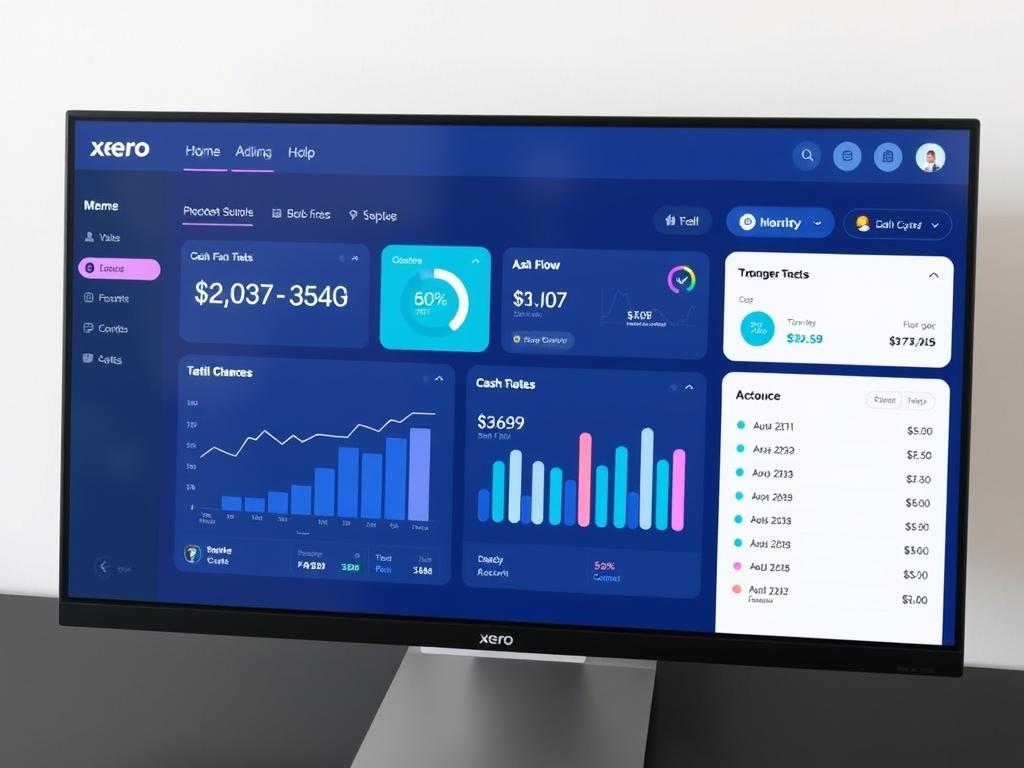
Xero provides cloud-based accounting software designed for small and growing businesses. Its intuitive interface and powerful features make financial management accessible to entrepreneurs without accounting backgrounds.
- Unlimited users at all subscription levels
- Automated bank feeds and reconciliation
- Inventory management
- Project tracking and time billing
FreshBooks
FreshBooks specializes in making accounting accessible for service-based businesses and freelancers. Its user-friendly design focuses on simplifying invoicing, expense tracking, and time management.
- Professional customizable invoices
- Time tracking for billable hours
- Client portal for payment processing
- Comprehensive financial reporting
Financial Business Planning for Beginners: Where to Start
If you’re new to financial planning, the array of available tools can be overwhelming. Here’s a practical approach to get started:
- Assess your specific needs – Consider your business type, transaction volume, and the financial functions you need to manage (invoicing, payroll, inventory, etc.).
- Start with the basics – Begin with a core accounting system that handles bookkeeping, invoicing, and basic reporting before adding specialized tools.
- Prioritize ease of use – As a beginner, choose tools with intuitive interfaces and good customer support to flatten the learning curve.
- Consider scalability – Select tools that can grow with your business to avoid disruptive transitions later.
- Take advantage of free trials – Most financial tools offer free trial periods; use these to test functionality before committing.
Pro Tip: Many financial tools offer specialized packages for specific industries. Look for solutions tailored to your business sector for features that address your unique challenges.
How to Track Financial Business Performance Effectively
Monitoring your business’s financial performance is essential for making informed decisions and identifying areas for improvement. The right tracking tools provide visibility into key metrics and trends that impact your bottom line.

Essential Metrics Every Entrepreneur Should Track
| Metric | Description | Calculation | Ideal Range |
| Cash Flow | The net amount of cash moving in and out of your business | Cash Inflows – Cash Outflows | Consistently positive |
| Gross Profit Margin | Percentage of revenue that exceeds the cost of goods sold | (Revenue – COGS) / Revenue × 100 | Industry-dependent; typically 20-50% |
| Net Profit Margin | Percentage of revenue that becomes profit after all expenses | Net Profit / Revenue × 100 | Industry-dependent; typically 10-20% |
| Accounts Receivable Turnover | How quickly customers pay their invoices | Net Credit Sales / Average Accounts Receivable | Higher is better; 12+ is excellent |
| Current Ratio | Ability to pay short-term obligations | Current Assets / Current Liabilities | 1.5 to 3.0 |
| Burn Rate | Rate at which a company uses up cash (startups) | Cash Spent per Month | Depends on funding and runway goals |
| Customer Acquisition Cost | Cost to acquire a new customer | Marketing & Sales Expenses / New Customers | Less than customer lifetime value |
Top Tools for Financial Performance Tracking
Tableau
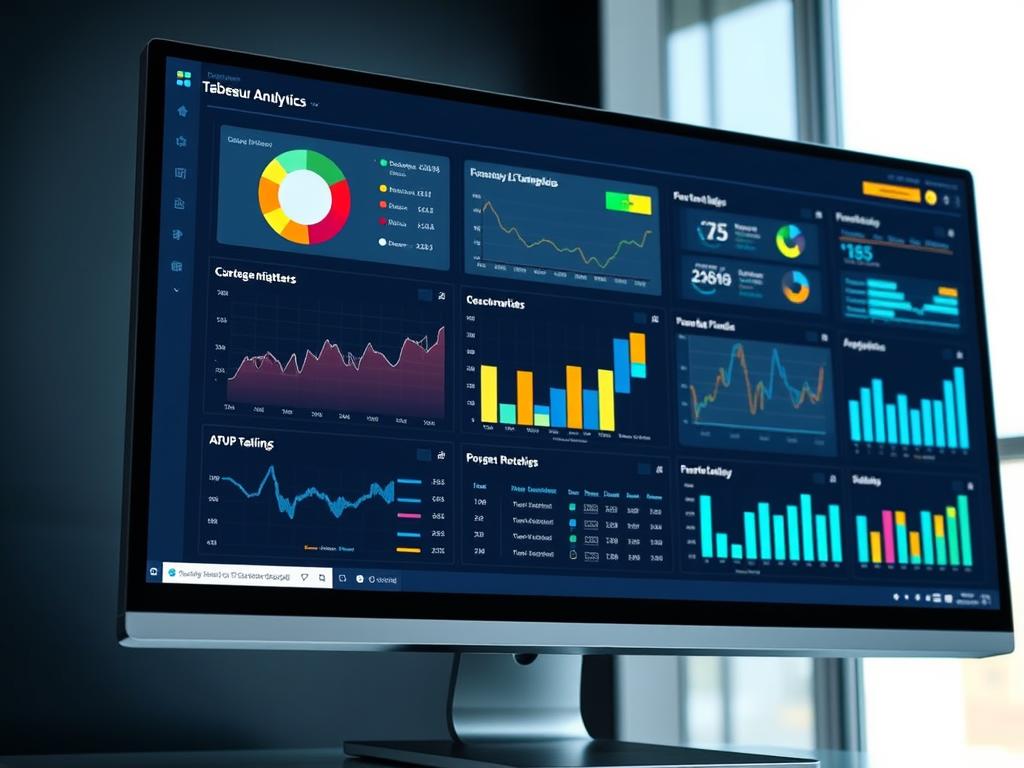
Tableau is a powerful data visualization tool that transforms your financial data into interactive dashboards. It connects to various data sources to provide comprehensive insights into your business performance.
- Interactive visualizations
- Real-time data connections
- Customizable dashboards
- Advanced analytics capabilities

Fathom
Fathom specializes in financial reporting, analysis, and management reporting for small and medium businesses. It integrates with popular accounting software to provide deeper insights.
- KPI dashboards and benchmarking
- Custom reporting templates
- Goal tracking and forecasting
- Multi-entity consolidation
Klipfolio
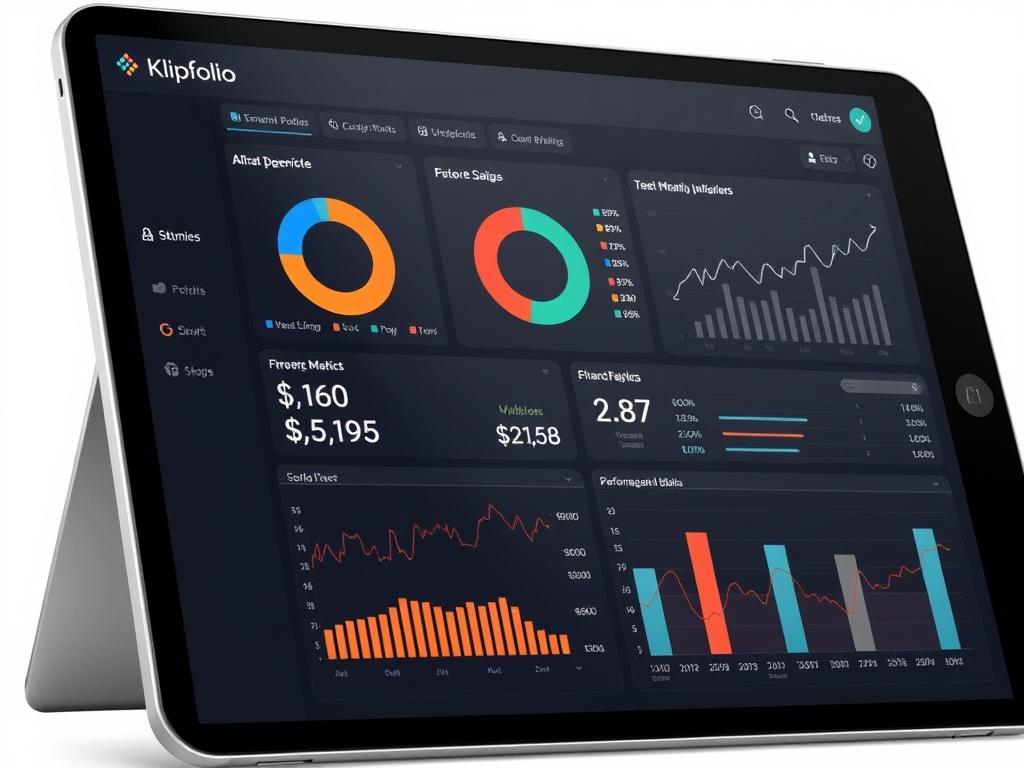
Klipfolio is a real-time dashboard platform that helps businesses monitor their most important metrics. It’s particularly useful for tracking financial KPIs and business performance indicators.
- Pre-built financial metrics
- Data from multiple sources
- Automated reporting
- Shareable dashboards
Data Integration Tip: The most effective performance tracking happens when your tools talk to each other. Look for financial tracking solutions that integrate with your accounting software, CRM, and other business systems to eliminate manual data entry and ensure accuracy.
Financial Business Forecasting Techniques and Tools
Accurate forecasting and budgeting are critical for planning future growth, managing cash flow, and making strategic decisions. The right tools can transform this complex process into a strategic advantage.

Financial Business Budgeting Strategies That Work
Implementing the right budgeting approach can significantly impact your business’s financial health. Consider these proven strategies:
Zero-Based Budgeting
Start each budget period from zero and justify every expense. This approach eliminates unnecessary spending and ensures resources align with current business priorities. Particularly effective for startups and businesses undergoing transformation.
Rolling Forecasts
Instead of annual budgets that quickly become outdated, implement rolling 12-18 month forecasts that update monthly or quarterly. This provides more agility and keeps projections relevant in changing market conditions.
Driver-Based Budgeting
Focus on the key business drivers that impact financial performance (e.g., conversion rates, customer acquisition costs). This approach creates more accurate forecasts by connecting operational metrics to financial outcomes.
Scenario Planning
Develop multiple budget scenarios (best case, expected case, worst case) to prepare for different business conditions. This strategy builds resilience and helps identify potential risks and opportunities.
Top Forecasting and Budgeting Tools
Planful
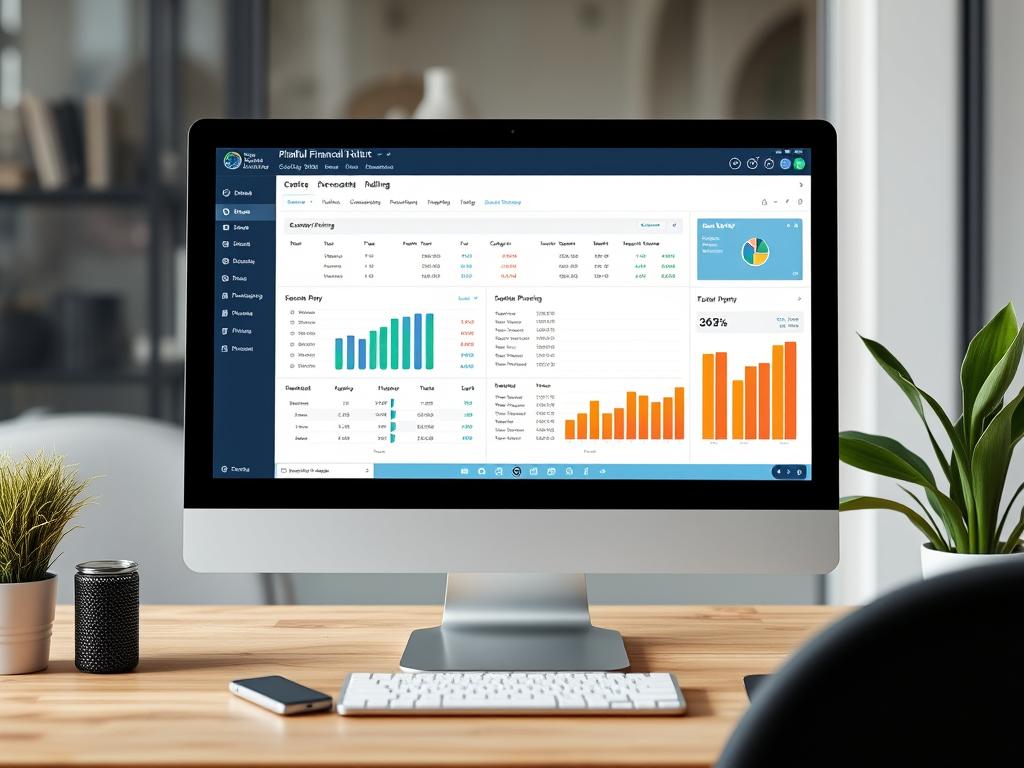
Planful (formerly Host Analytics) is a comprehensive financial planning and analysis platform that streamlines budgeting, forecasting, and reporting processes for growing businesses.
- Collaborative planning workflows
- Driver-based modeling
- Rolling forecasts
- Scenario analysis

Prophix
Prophix offers a unified CPM (Corporate Performance Management) solution that helps businesses automate budgeting, planning, and reporting processes while providing powerful analytics.
- Automated workflow management
- Multi-dimensional analysis
- Personnel planning
- Capital expenditure planning
Float
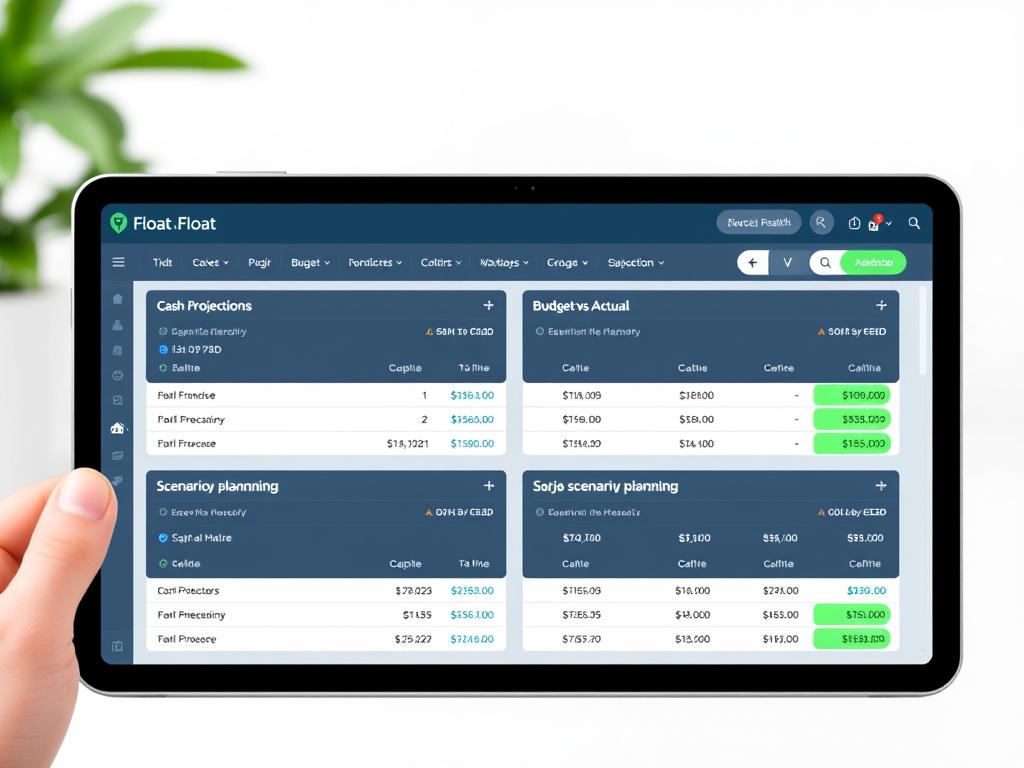
Float specializes in cash flow forecasting and scenario planning, helping businesses visualize and manage their cash position with accuracy and confidence.
- Visual cash flow calendar
- What-if scenario planning
- Budget vs. actual tracking
- Integration with accounting software
“The best forecasting tools don’t just predict the future—they help you shape it by identifying opportunities and risks before they materialize.”
Small Business Financial Analysis Guide: Tools and Techniques
Financial analysis helps entrepreneurs understand their business’s performance, identify trends, and make data-driven decisions. For small businesses, the right analysis tools can provide enterprise-level insights without the complexity.

Financial Business Ratios Explained
Financial ratios provide quick insights into your business’s performance and financial health. Here are the most important ratios for entrepreneurs to monitor:
| Ratio Category | Specific Ratio | Formula | What It Tells You |
| Profitability | Gross Profit Margin | (Revenue – COGS) / Revenue | Efficiency in producing goods or services relative to revenue |
| Profitability | Net Profit Margin | Net Profit / Revenue | Overall profitability after all expenses |
| Profitability | Return on Assets (ROA) | Net Income / Total Assets | How efficiently assets generate earnings |
| Liquidity | Current Ratio | Current Assets / Current Liabilities | Ability to pay short-term obligations |
| Liquidity | Quick Ratio | (Current Assets – Inventory) / Current Liabilities | Ability to meet short-term obligations without selling inventory |
| Efficiency | Inventory Turnover | COGS / Average Inventory | How quickly inventory is sold |
| Efficiency | Accounts Receivable Turnover | Net Credit Sales / Average Accounts Receivable | How quickly customers pay |
| Solvency | Debt-to-Equity Ratio | Total Debt / Total Equity | Proportion of financing from creditors versus owners |
| Solvency | Interest Coverage Ratio | EBIT / Interest Expense | Ability to pay interest on outstanding debt |
Financial Analysis Example: Retail Store Case Study
Let’s examine how a small retail business used financial analysis to identify and address performance issues:
Initial Situation
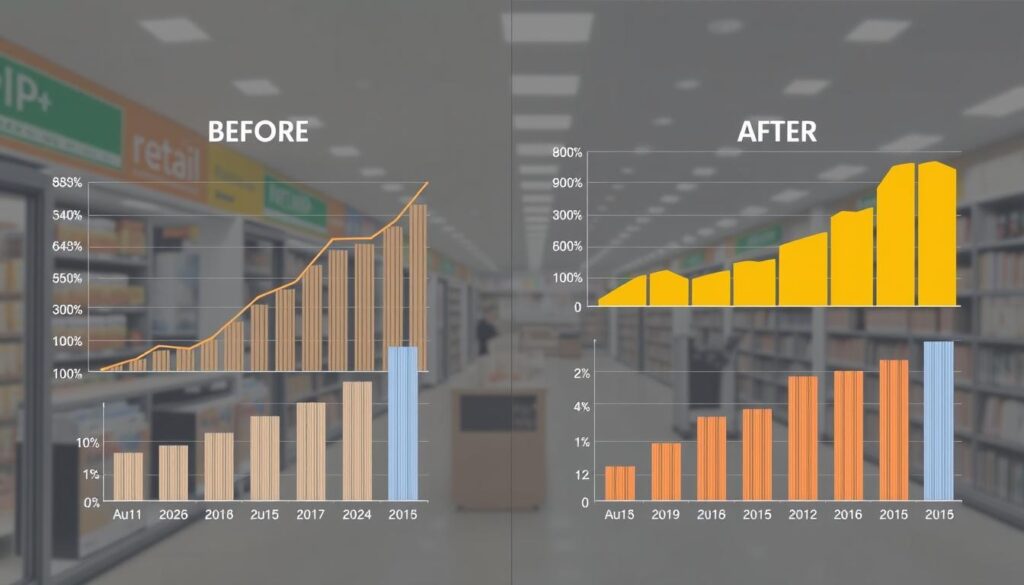
A boutique clothing retailer with $750,000 in annual revenue was experiencing cash flow problems despite steady sales growth. The owner used financial analysis tools to identify the root causes:
- Gross profit margin: 42% (industry average: 50%)
- Inventory turnover: 3.2x annually (industry average: 5x)
- Accounts receivable days: 45 (industry average: 30)
The analysis revealed that while sales were growing, the business was tying up too much cash in slow-moving inventory and delayed customer payments.
Action Plan & Results
Based on the analysis, the owner implemented several changes:
- Renegotiated supplier contracts to improve margins
- Implemented inventory management software to optimize stock levels
- Revised credit policies and offered early payment discounts
After six months, the financial metrics improved significantly:
- Gross profit margin increased to 48%
- Inventory turnover improved to 4.8x annually
- Accounts receivable days reduced to 32
These improvements freed up over $85,000 in cash and increased annual profits by $45,000.
Recommended Financial Analysis Tools
Spotlight Reporting
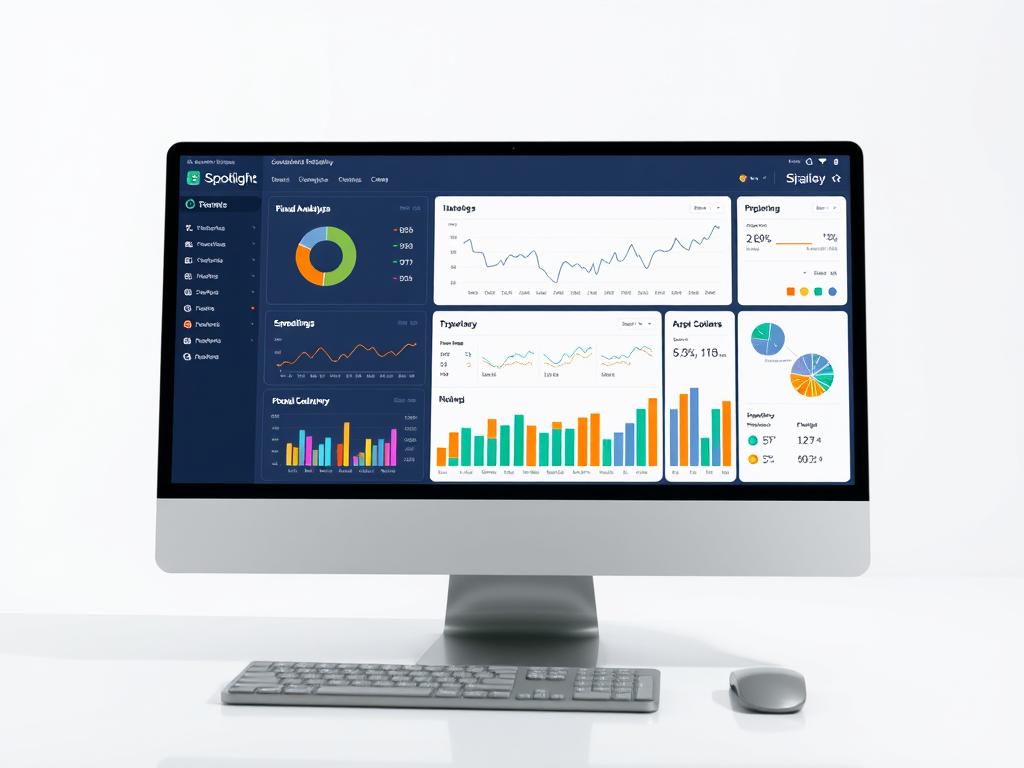
Spotlight Reporting transforms accounting data into insightful reports and dashboards designed specifically for small and medium businesses.
- Customizable reporting templates
- Multi-entity consolidation
- Benchmark comparisons
- Forecasting and scenario planning

LivePlan
LivePlan combines business planning with financial analysis, making it ideal for startups and small businesses that need to monitor performance against their plan.
- Plan vs. actual performance tracking
- Industry benchmark comparisons
- Financial forecasting
- Pitch presentation tools
Jirav
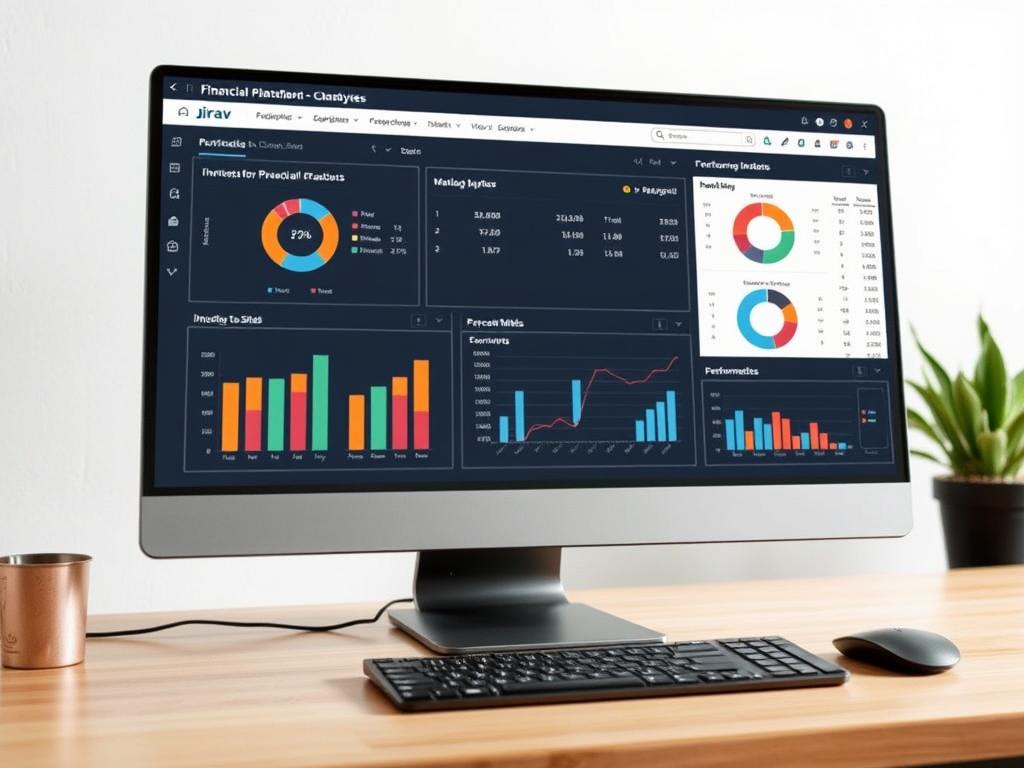
Jirav provides financial planning and analysis tools that connect your accounting, HR, and operational data to provide comprehensive business insights.
- Driver-based financial modeling
- Automated reporting
- Headcount planning
- Department-level budgeting
How to Manage Financial Business Risks Effectively
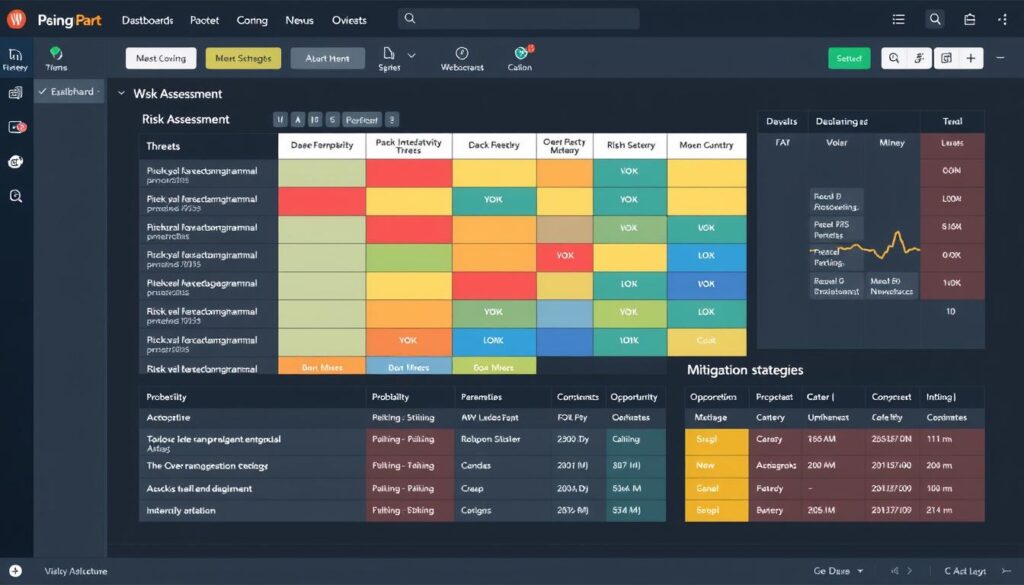
Every business faces financial risks that can impact profitability and sustainability. Identifying and mitigating these risks is essential for long-term success, and specialized tools can help entrepreneurs manage this complex process.
Common Financial Risks for Entrepreneurs
Internal Risks (More Controllable)
- Cash flow shortages
- Excessive debt or leverage
- Inadequate insurance coverage
- Poor financial controls
- Fraud or employee theft
- Overreliance on key customers
External Risks (Less Controllable)
- Economic downturns
- Interest rate fluctuations
- Currency exchange volatility
- Regulatory changes
- Market competition
- Supply chain disruptions
Risk Management Tools and Solutions
Resolver
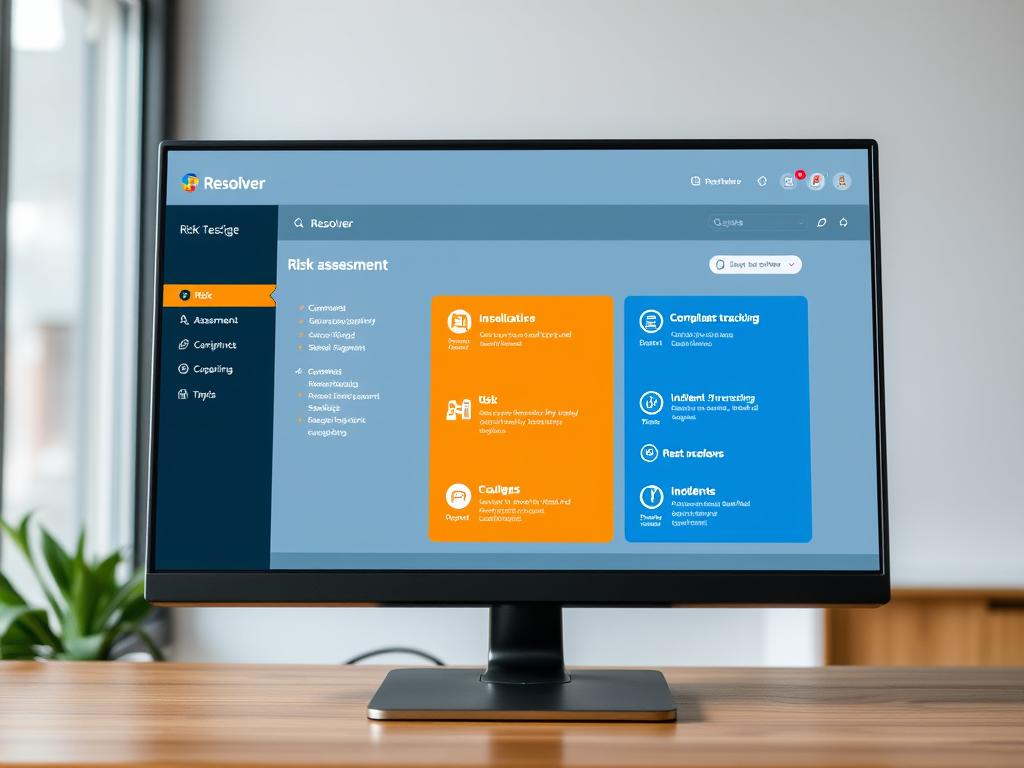
Resolver offers risk management software that helps businesses identify, assess, and mitigate risks across their operations, including financial risks.
- Risk assessment and scoring
- Control effectiveness testing
- Incident management
- Compliance tracking
Kyriba
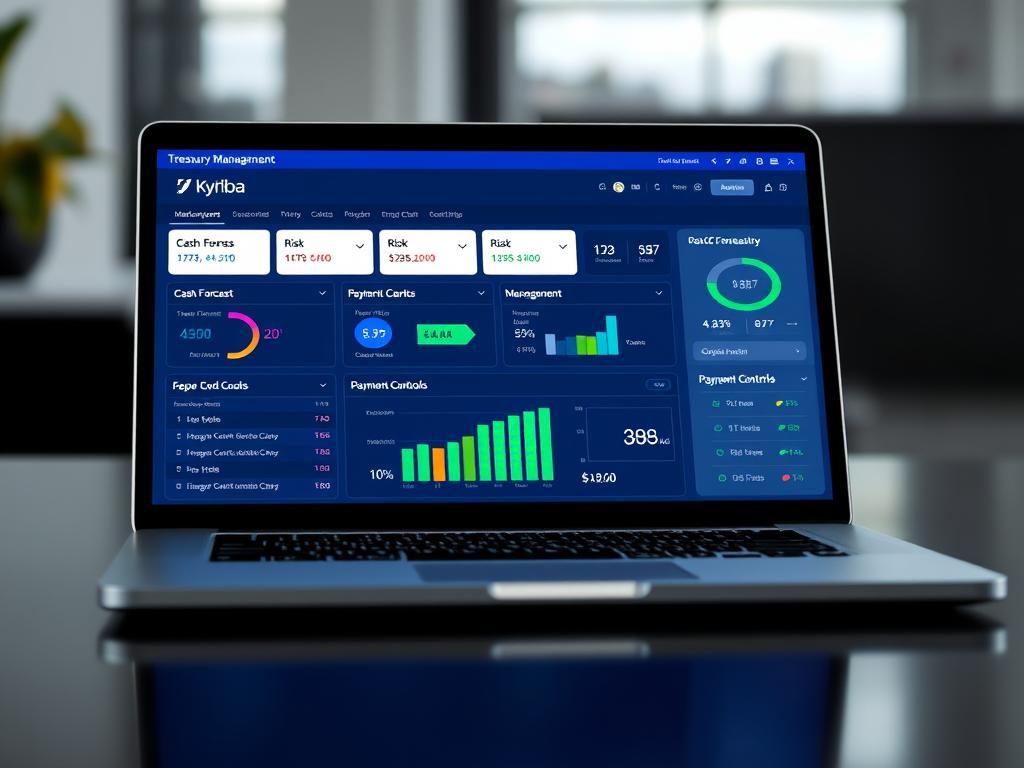
Kyriba provides treasury management solutions that help businesses manage liquidity, control bank accounts, and mitigate financial risks.
- Cash forecasting and visibility
- Foreign exchange risk management
- Payment controls and fraud prevention
- Working capital optimization
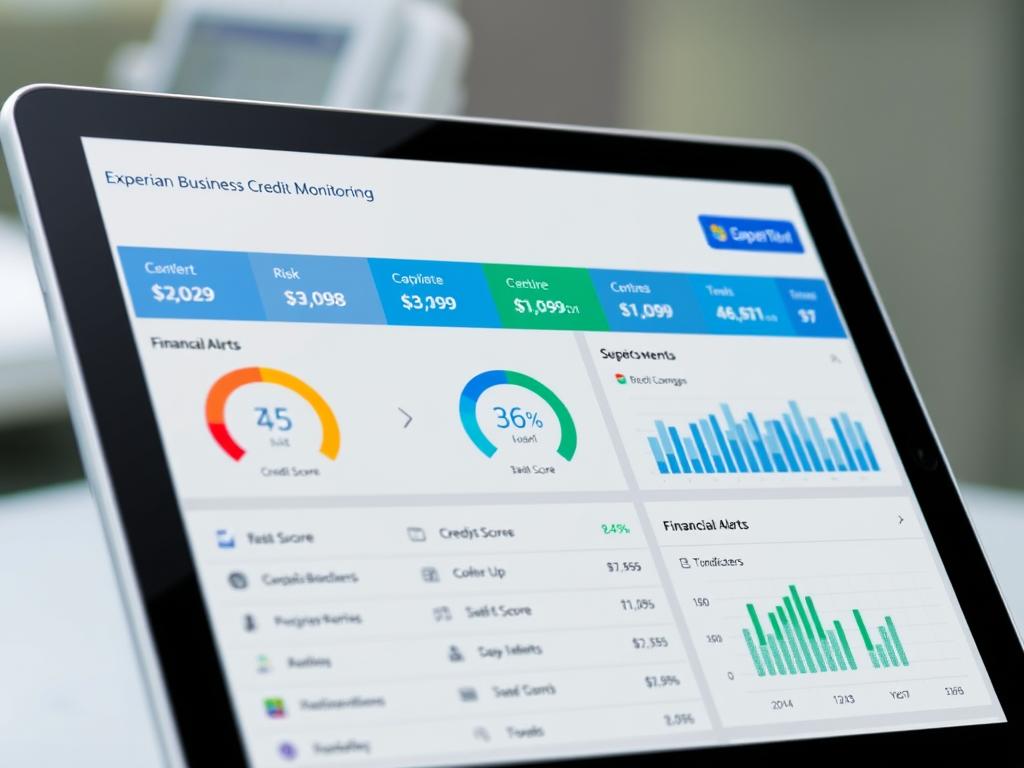
Experian Business Credit Monitoring
Experian helps businesses monitor their credit profiles and assess the creditworthiness of customers and suppliers to reduce financial risk.
- Business credit score monitoring
- Customer credit risk assessment
- Payment trend analysis
- Credit limit recommendations
Financial Business Tax Planning Tips
Effective tax planning is a crucial aspect of risk management that can significantly impact your bottom line. Consider these strategies:
Tax Planning Strategies
- Structure optimization – Choose the right business entity (LLC, S-Corp, etc.) to minimize tax burden while providing appropriate liability protection.
- Timing of income and expenses – Strategically time revenue recognition and expenses to optimize tax positions across fiscal years.
- Retirement planning – Utilize tax-advantaged retirement accounts like SEP IRAs, SIMPLE IRAs, or Solo 401(k)s to reduce taxable income.
- Home office deductions – If you work from home, claim legitimate home office deductions for the space exclusively used for business.
Tax Planning Tools
- TaxJar – Automates sales tax calculations, reporting, and filing for ecommerce and retail businesses.
- Avalara – Provides tax compliance solutions including sales tax management and business licensing.
- H&R Block Business – Offers tax preparation software specifically designed for small businesses with guided assistance.
- TaxAct Business – Provides affordable tax preparation for various business entities with maximum deduction identification.
Important: Tax regulations change frequently. Consider working with a qualified tax professional to develop a comprehensive tax strategy tailored to your specific business situation.
How to Automate Financial Business Processes
Automation can transform your financial operations by reducing manual work, minimizing errors, and freeing up time for strategic activities. Modern tools make it easier than ever to automate routine financial tasks.
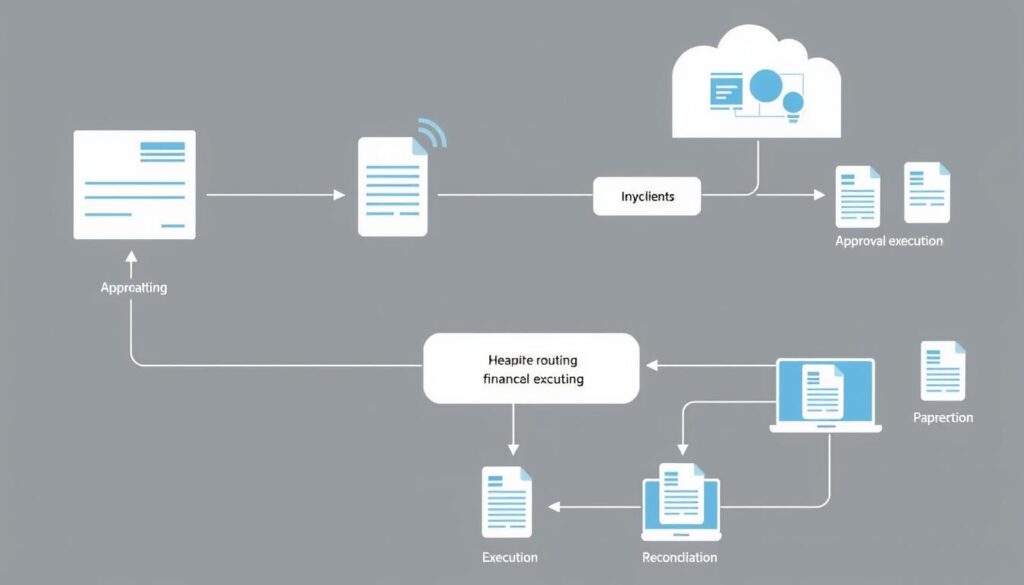
Key Financial Processes to Automate
Accounts Payable
Automate invoice capture, approval workflows, and payment processing to reduce processing costs and capture early payment discounts.
Accounts Receivable
Implement automated invoicing, payment reminders, and reconciliation to improve cash flow and reduce days sales outstanding.
Expense Management
Use mobile apps for receipt capture, automated categorization, and approval routing to streamline reimbursements and improve policy compliance.
Financial Reporting
Schedule automated report generation and distribution to ensure stakeholders receive timely financial insights without manual intervention.
Bank Reconciliation
Leverage bank feeds and matching algorithms to automate the reconciliation process and quickly identify discrepancies.
Tax Compliance
Implement solutions that automatically calculate, collect, and file sales tax and other regulatory requirements to ensure compliance.
Top Financial Automation Tools
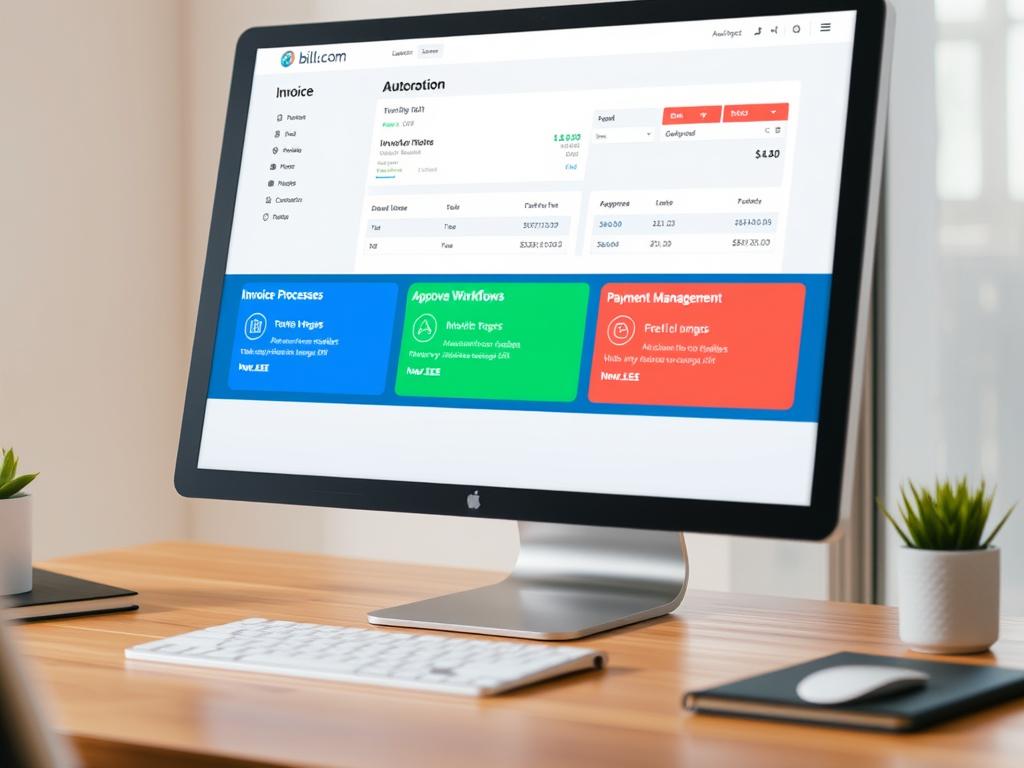
Bill.com
Bill.com automates accounts payable and accounts receivable processes, helping businesses manage cash flow more efficiently while reducing manual work.
- Digital invoice processing
- Automated approval workflows
- Multiple payment methods
- Vendor management

Expensify
Expensify streamlines expense management with automated receipt scanning, categorization, and reimbursement processing for businesses of all sizes.
- SmartScan receipt technology
- Automatic expense categorization
- Policy enforcement
- Corporate card reconciliation
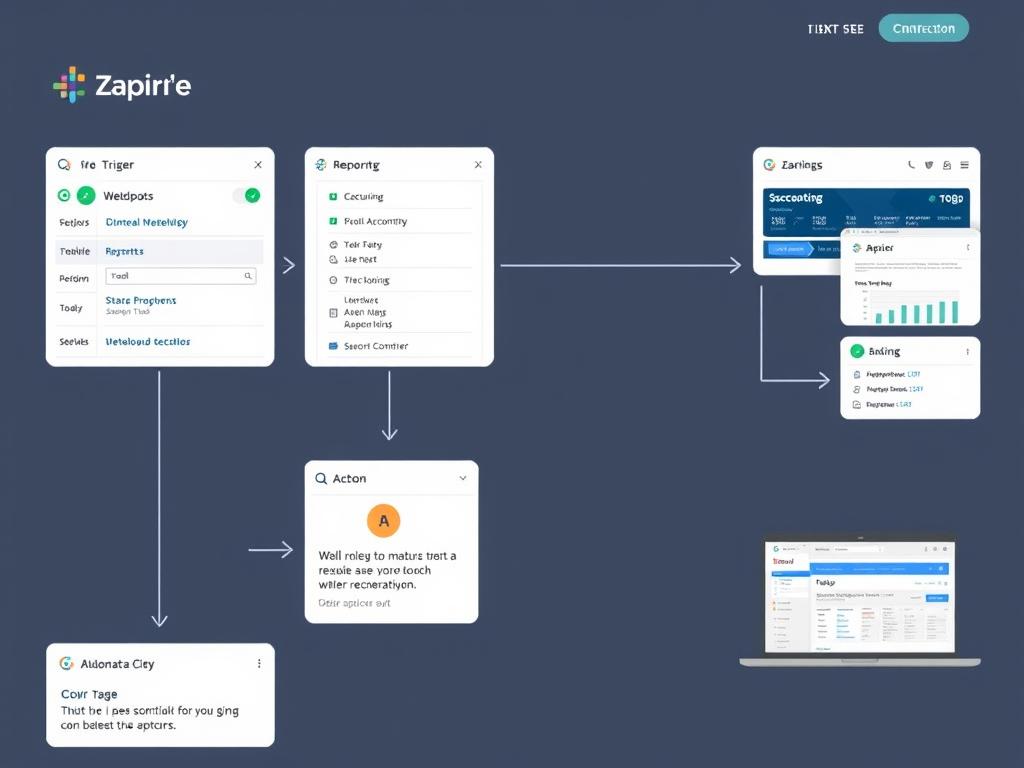
Zapier
Zapier connects your financial applications to automate workflows across platforms without coding, creating powerful integrations between your business tools.
- 5,000+ app integrations
- No-code automation building
- Multi-step workflows
- Conditional logic
Automation ROI: According to a study by Levvel Research, organizations that implement accounts payable automation reduce processing costs by 80% and processing times by 73% on average. Even small businesses can achieve significant returns on automation investments.
How to Improve Financial Business Efficiency
Beyond specific automation tools, consider these broader strategies to enhance your financial operations:
- Integrate your financial stack – Ensure your accounting, banking, payment processing, and reporting tools share data seamlessly to eliminate duplicate entry and reconciliation issues.
- Implement paperless processes – Move to digital documentation for invoices, receipts, and financial records to improve accessibility and reduce storage costs.
- Standardize financial procedures – Document clear processes for all financial activities to ensure consistency and facilitate training.
- Leverage artificial intelligence – Explore AI-powered tools that can identify patterns, flag anomalies, and provide predictive insights for financial planning.
- Outsource selectively – Consider outsourcing complex or specialized financial functions like tax preparation or CFO services to focus internal resources on core activities.
Templates You Can Use: Excel-Based Financial Tools
Excel remains one of the most versatile and accessible tools for financial management. These customizable templates can help you implement best practices without starting from scratch.
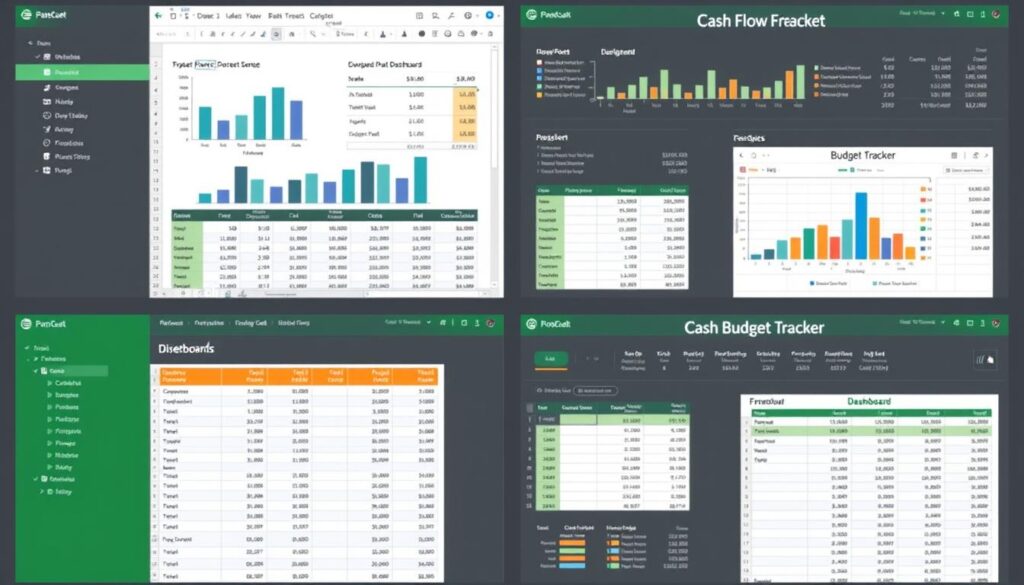
Essential Financial Templates for Entrepreneurs
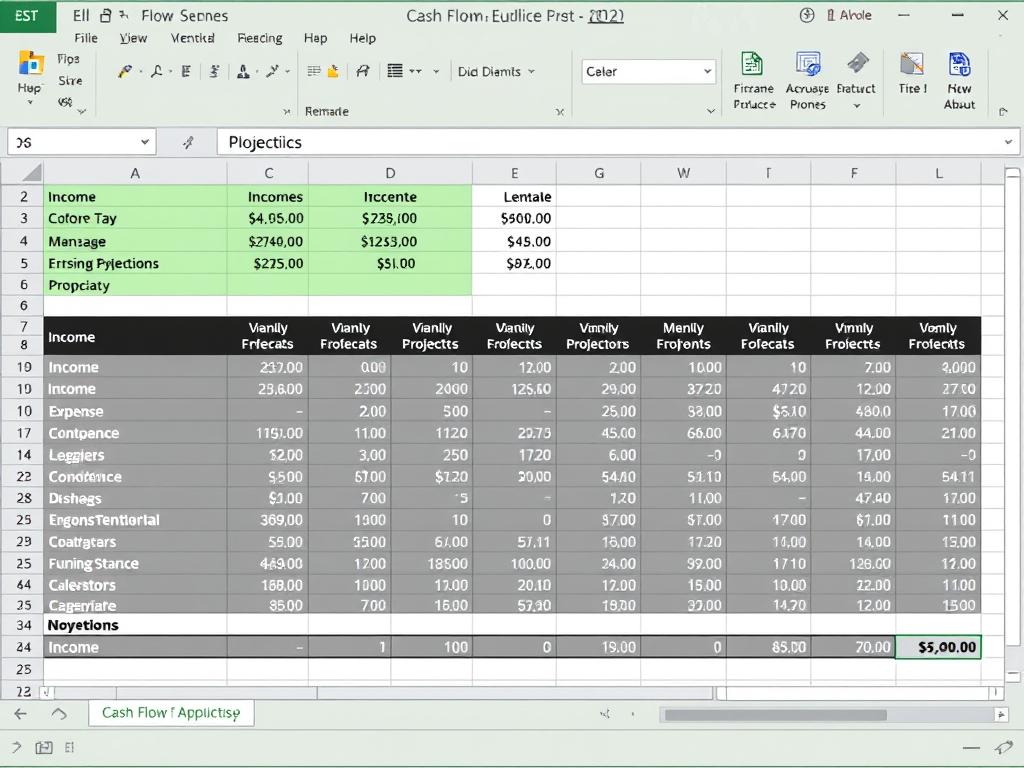
12-Month Cash Flow Forecast
This template helps you project cash inflows and outflows over a 12-month period, identifying potential shortfalls before they occur.
- Monthly cash projection
- Categorized income and expenses
- Running balance calculation
- Visual charts for trend analysis

Annual Business Budget
Create and track your business budget with this comprehensive template featuring variance analysis and departmental breakdowns.
- Monthly and annual budget views
- Actual vs. budget comparison
- Variance calculation and analysis
- Customizable expense categories
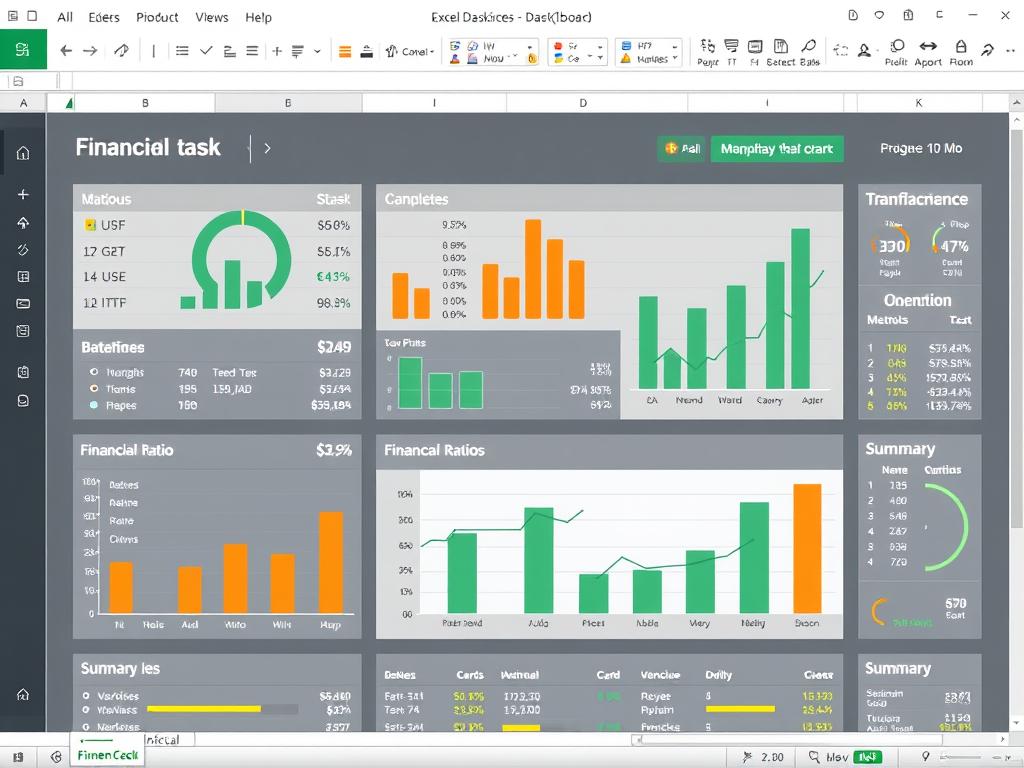
Financial Dashboard
Monitor your key financial metrics at a glance with this dashboard template featuring automated calculations and visualizations.
- Key performance indicators
- Financial ratio calculations
- Trend graphs and charts
- Customizable metrics
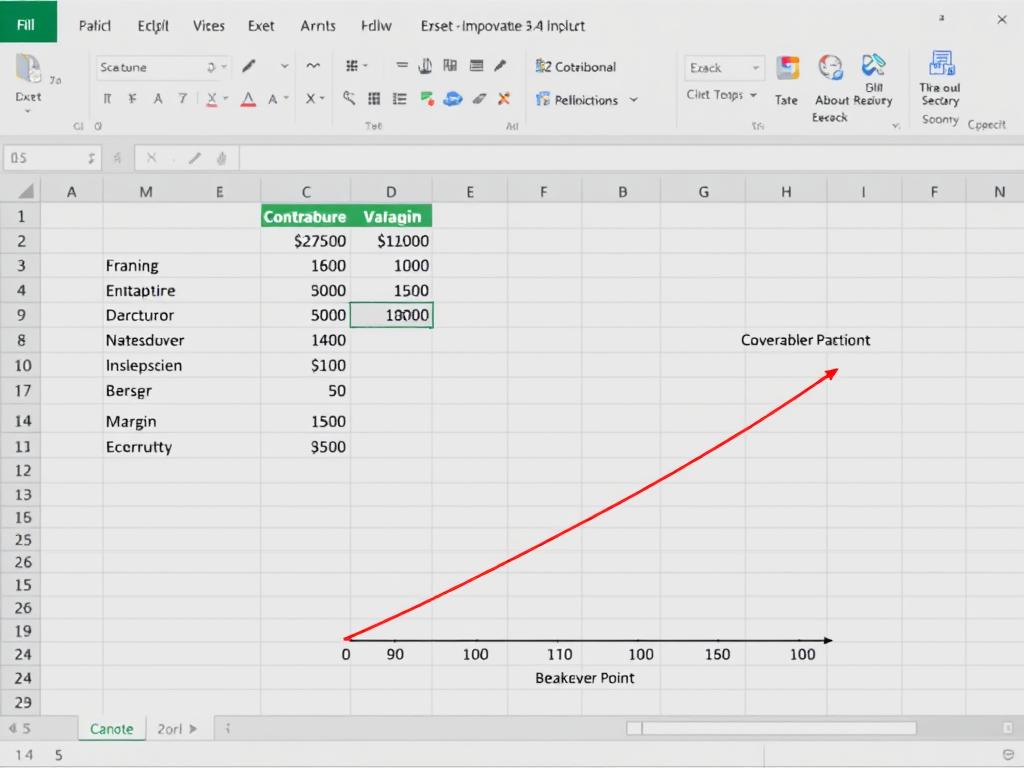
Break-Even Analysis
Calculate your break-even point and run what-if scenarios to understand how changes in pricing, costs, or volume affect profitability.
- Fixed and variable cost analysis
- Contribution margin calculation
- Break-even point determination
- Scenario planning tools
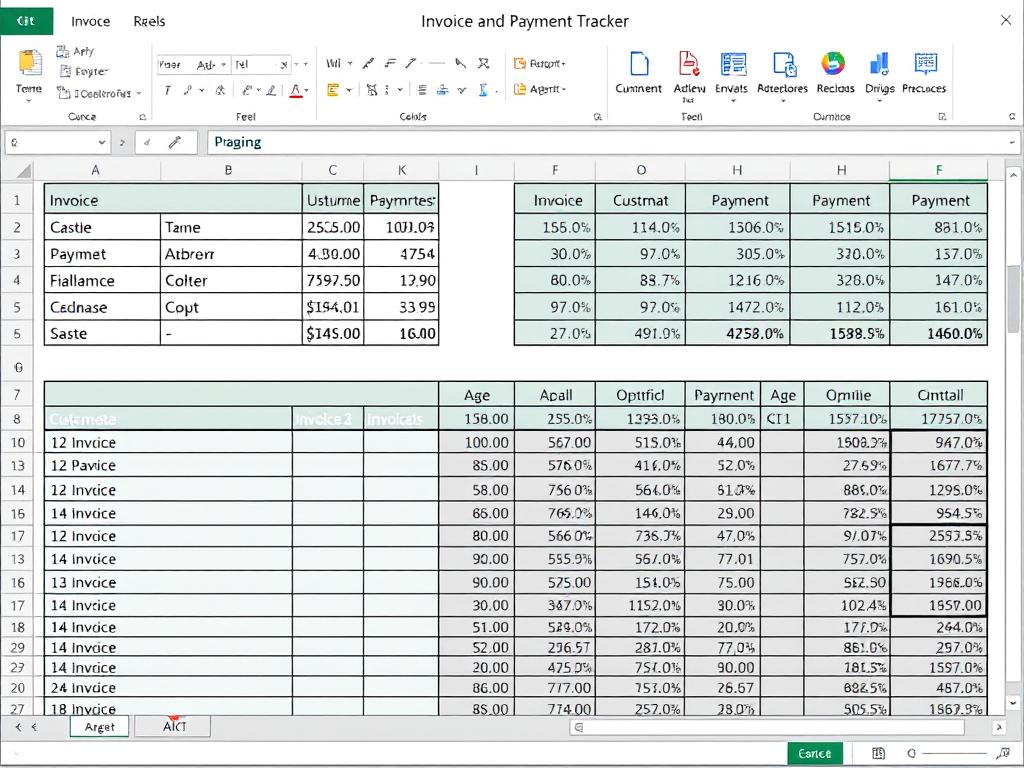
Invoice & Payment Tracker
Manage your accounts receivable with this template that tracks invoices, payments, and aging to improve cash flow management.
- Invoice tracking and aging
- Payment recording
- Customer information management
- Overdue invoice highlighting
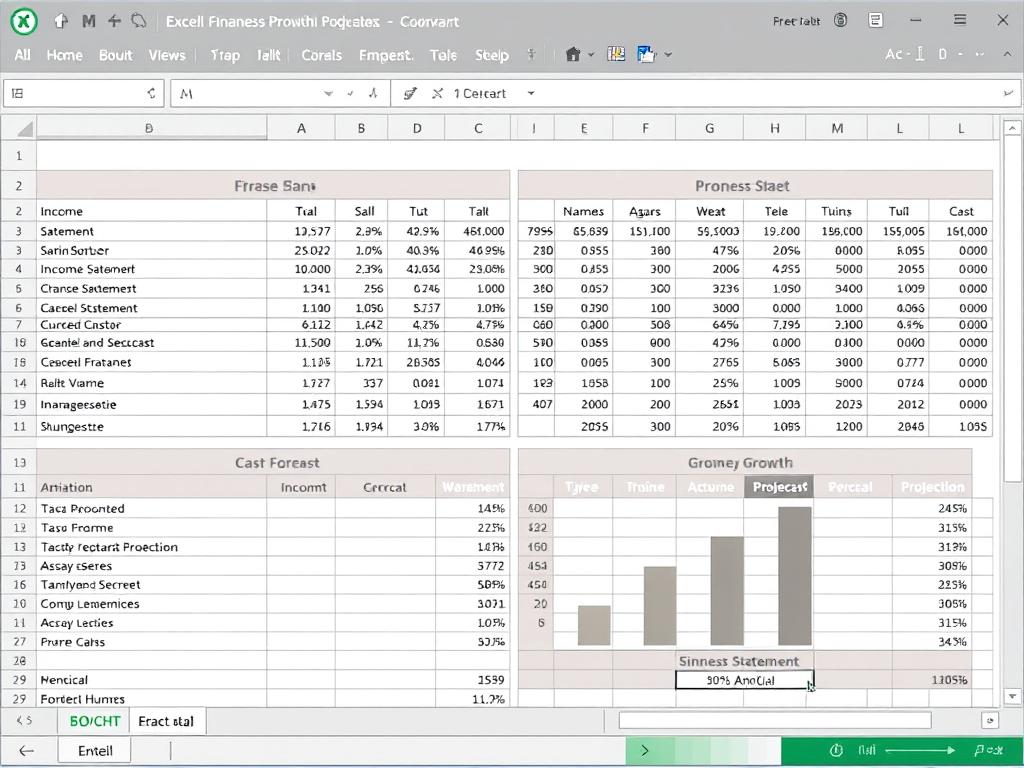
3-Year Financial Projections
Create professional financial projections for business planning, funding applications, or strategic decision-making with this comprehensive template.
- Income statement projections
- Balance sheet forecasts
- Cash flow projections
- Key ratio calculations
Get All Financial Templates
Download our complete collection of financial templates designed specifically for entrepreneurs and small business owners. These Excel-based tools will help you manage every aspect of your business finances.
Step-by-Step Strategy: Implementing Financial Business Tools
Successfully implementing financial tools requires a strategic approach to ensure adoption and maximize benefits. Follow this proven implementation roadmap to transform your financial operations.

- Assess Your Current Financial ProcessesBegin by documenting your existing financial workflows, identifying pain points, and determining specific goals for improvement. Quantify current metrics like processing times, error rates, and costs to establish a baseline for measuring success.
- Define Requirements and PrioritiesCreate a prioritized list of requirements based on your assessment. Consider factors like must-have features, budget constraints, team capabilities, and integration needs. Distinguish between immediate needs and future capabilities to phase implementation if necessary.
- Research and Select ToolsEvaluate potential tools against your requirements, considering factors like functionality, ease of use, scalability, support, and total cost of ownership. Request demos, utilize free trials, and speak with reference customers to validate your choices.
- Develop an Implementation PlanCreate a detailed plan that includes timeline, resource allocation, data migration strategy, training requirements, and risk mitigation. Consider whether to implement all tools simultaneously or take a phased approach based on priorities and dependencies.
- Prepare Your DataClean and organize your financial data before migration. Standardize naming conventions, chart of accounts, and other key structures to ensure consistency in the new system. Archive historical data that won’t be migrated but may be needed for reference.
- Configure and CustomizeSet up your selected tools according to your business requirements. Configure user permissions, approval workflows, reporting templates, and integration points. Customize the system to match your specific processes while leveraging built-in best practices.
- Test ThoroughlyConduct comprehensive testing of all functions, workflows, and integrations before full deployment. Include edge cases and exception scenarios to ensure the system handles all situations correctly. Involve end-users in testing to gather feedback and identify usability issues.
- Train Your TeamProvide thorough training for all users, tailored to their specific roles and responsibilities. Create documentation, quick reference guides, and process flows to support ongoing learning. Identify power users who can provide peer support during the transition.
- Go Live with SupportLaunch the new tools with adequate support resources available to address questions and issues quickly. Consider a phased rollout or parallel processing period to minimize disruption. Closely monitor system performance and user adoption during the initial period.
- Review and OptimizeAfter implementation, regularly review performance against your goals and make necessary adjustments. Collect user feedback, monitor key metrics, and identify opportunities for further automation or process improvement. Stay current with updates and new features from your tool providers.
Business Financial Decision-Making Process
Once your financial tools are implemented, they become valuable assets for informed decision-making. Follow this framework to leverage your financial data effectively:
1. Define the Decision
Clearly articulate the specific decision to be made and its strategic importance. Identify the timeframe, scope, and constraints that will influence the decision.
2. Gather Relevant Data
Use your financial tools to collect and organize the data needed to inform your decision. This may include historical performance, market trends, cost structures, and projections.
3. Analyze Alternatives
Develop multiple scenarios or options using your financial planning tools. Compare potential outcomes based on different assumptions and variables.
4. Assess Risks and Returns
Evaluate the potential risks and returns of each alternative. Consider both quantitative factors (ROI, payback period) and qualitative factors (strategic alignment, market positioning).
5. Make the Decision
Select the option that best balances risk and return while aligning with your business objectives and constraints.
6. Implement and Monitor
Execute your decision and use your financial tools to track performance against expectations. Be prepared to adjust course if actual results deviate significantly from projections.
“The value of financial tools isn’t just in the data they provide, but in how that data transforms your decision-making process from intuition-based to evidence-based.”
Financial Business Growth Strategies Using Modern Tools
Beyond day-to-day management, financial tools can be powerful enablers of business growth. Here’s how to leverage these tools to drive expansion and profitability.

Financial Business Cash Flow Improvement Tips
Cash flow is the lifeblood of business growth. Use these strategies and tools to optimize your cash position:
Accelerate Cash Inflows
- Streamline invoicing – Use automated invoicing tools to send bills immediately upon service completion.
- Offer payment incentives – Implement early payment discounts through your billing system.
- Simplify payment methods – Integrate multiple payment options including credit cards and digital wallets.
- Implement deposits – Use your invoicing system to request upfront deposits for large orders or projects.
Optimize Cash Outflows
- Negotiate payment terms – Track vendor performance and negotiate favorable payment schedules.
- Time large purchases – Use cash flow forecasting to schedule major expenditures during high-liquidity periods.
- Leverage credit strategically – Monitor credit utilization and costs through financial dashboards.
- Reduce inventory costs – Implement inventory management tools to minimize excess stock.
Financial Business Management for Startups
Startups face unique financial challenges that require specialized approaches and tools:
Funding Management
Track investor funds, burn rate, and runway with specialized tools designed for venture-backed startups.
- Recommended Tool: Pulse
- Automated burn rate calculations
- Runway projections and alerts
- Investor-ready reporting
Metrics Tracking
Monitor key startup metrics like Customer Acquisition Cost (CAC), Lifetime Value (LTV), and Monthly Recurring Revenue (MRR).
- Recommended Tool: ChartMogul
- Subscription analytics
- Cohort analysis
- Revenue recognition
Scenario Planning
Model different growth scenarios to prepare for various funding and market conditions.
- Recommended Tool: Causal
- Interactive financial models
- Sensitivity analysis
- Visual scenario comparisons
Steps to Build a Financial Business Model
A robust financial model is essential for planning growth and securing funding. Follow these steps to create an effective model:
- Define Model ObjectivesDetermine the specific purpose of your model, whether it’s for internal planning, investor presentations, loan applications, or valuation.
- Gather Historical DataCollect relevant historical financial data from your accounting system to establish baseline performance and identify trends.
- Establish Key AssumptionsDocument clear, defensible assumptions about growth rates, margins, conversion rates, and other drivers that will impact your projections.
- Build Revenue ProjectionsCreate detailed revenue forecasts based on your business model, market size, pricing strategy, and growth assumptions.
- Project ExpensesForecast both fixed and variable costs, including detailed staffing plans, marketing budgets, and operational expenses.
- Develop Financial StatementsBuild integrated income statement, balance sheet, and cash flow projections that reflect your business model and assumptions.
- Perform Sensitivity AnalysisTest how changes in key variables affect your projections to understand risks and opportunities in your model.
- Create ScenariosDevelop best-case, expected-case, and worst-case scenarios to prepare for different potential outcomes.
- Add VisualizationsCreate charts and graphs that clearly communicate key insights from your model for different audiences.
- Review and RefineRegularly update your model with actual results and refine assumptions to improve accuracy over time.
Modeling Tool Recommendation: While Excel is versatile for building financial models, specialized tools like Causal, Finmark, or Jirav offer more collaborative features, built-in templates, and scenario planning capabilities specifically designed for business modeling.
Frequently Asked Questions
What are the most essential financial tools for a new entrepreneur?
New entrepreneurs should prioritize these core financial tools:
- Accounting software (like QuickBooks or Xero) for basic bookkeeping and financial statements
- Invoicing and payment processing to manage customer transactions and cash flow
- Expense tracking to monitor spending and simplify tax preparation
- Basic budgeting tool to plan and control expenses
- Cash flow forecasting to anticipate and prevent cash shortages
Start with these fundamentals and add more specialized tools as your business grows and your financial management needs become more complex.
How much should I budget for financial management tools?
A typical small business should expect to spend between 1-3% of revenue on financial management tools and services. For startups and very small businesses, this might translate to $100-300 per month for essential tools. As your business grows, this investment will likely increase in absolute terms but decrease as a percentage of revenue due to economies of scale.
Consider the return on investment rather than just the cost—effective financial tools often pay for themselves through improved cash flow, reduced errors, time savings, and better decision-making. Many providers offer tiered pricing that allows you to start with basic features and upgrade as needed.
How can I integrate different financial tools to work together?
Integrating your financial tools creates a more efficient ecosystem and provides better insights. Here are strategies to achieve effective integration:
- Choose tools with native integrations – Many financial applications offer built-in connections with popular accounting, banking, and business management platforms.
- Use integration platforms – Services like Zapier, Integromat, or Plaid can connect applications that don’t have direct integrations.
- Consider API capabilities – For more customized needs, tools with robust APIs allow for tailored integrations, though this may require technical assistance.
- Implement middleware solutions – Specialized middleware can synchronize data between complex systems like ERP and financial management tools.
- Adopt unified platforms – Consider platforms that offer multiple financial functions in one system to reduce integration challenges.
Always test integrations thoroughly before fully implementing them, and establish regular checks to ensure data is flowing correctly between systems.
What financial reports should I review regularly as an entrepreneur?
Entrepreneurs should regularly review these key financial reports:
- Cash Flow Statement – Weekly or monthly review to monitor liquidity and ensure you can meet obligations
- Profit & Loss Statement (Income Statement) – Monthly review to track revenue, expenses, and profitability
- Balance Sheet – Monthly or quarterly review to assess overall financial health and position
- Accounts Receivable Aging – Weekly review to monitor customer payments and address overdue invoices
- Budget vs. Actual Report – Monthly review to compare performance against plans and make adjustments
- Sales Pipeline Report – Weekly review to forecast future revenue and cash inflows
- Inventory Report (if applicable) – Regular review to optimize stock levels and identify slow-moving items
The frequency of review should be adjusted based on your business’s growth stage, cash position, and industry volatility. Most financial tools can automate the generation of these reports, saving time and ensuring consistency.
How can I ensure the security of my financial data when using online tools?
Protecting your financial data requires a multi-layered approach:
- Choose reputable providers – Select financial tools from established companies with strong security track records and compliance certifications (SOC 2, GDPR, etc.)
- Use strong authentication – Implement two-factor authentication for all financial tools and use a password manager to create and store complex, unique passwords
- Manage access controls – Limit user access based on job requirements and promptly revoke access when employees leave
- Encrypt sensitive data – Ensure your tools use encryption for data both in transit and at rest
- Regularly update software – Keep all financial applications and devices updated with the latest security patches
- Back up your data – Maintain regular backups of financial information, ideally following the 3-2-1 rule (three copies, two different media types, one off-site)
- Train your team – Educate employees about phishing threats, secure password practices, and data handling procedures
- Monitor for unusual activity – Regularly review access logs and transaction records for suspicious patterns
Consider working with an IT security professional to assess your specific risks and develop a comprehensive security strategy for your financial data.
What are the signs that my business has outgrown its current financial tools?
Watch for these indicators that it’s time to upgrade your financial management systems:
- Increasing manual work – Your team spends excessive time on workarounds, data entry, or spreadsheet manipulation
- Reporting delays – Financial reports take too long to generate or require significant manual preparation
- Limited visibility – You can’t easily access the metrics and insights needed for decision-making
- Scaling issues – System performance degrades as transaction volume increases
- Integration problems – Difficulty connecting with other business systems or new payment methods
- Compliance challenges – Struggling to meet regulatory requirements or audit demands
- New business complexity – Adding new product lines, locations, or entities that your current system can’t properly segment
- Recurring errors – Increasing frequency of reconciliation issues or data inconsistencies
When you notice several of these signs, it’s time to evaluate more robust solutions that can support your business’s current needs and future growth.
How can I measure the ROI of implementing new financial tools?
To measure the return on investment from new financial tools, consider both quantitative and qualitative factors:
Quantitative Metrics:
- Time savings – Calculate hours saved × hourly labor cost
- Error reduction – Measure the cost of errors before and after implementation
- Cash flow improvement – Track changes in days sales outstanding or early payment discounts captured
- Processing cost reduction – Compare the cost per transaction or report before and after
- Revenue impact – Measure improvements in billing accuracy, upselling, or pricing optimization
Qualitative Benefits:
- Decision quality – Assess how improved insights affect strategic decisions
- Team satisfaction – Survey staff on productivity and job satisfaction improvements
- Customer experience – Measure impacts on client interactions and satisfaction
- Compliance confidence – Evaluate reduced risk and improved audit readiness
- Strategic focus – Assess how much more time is available for high-value activities
Document baseline metrics before implementation and track changes over 3, 6, and 12 months. For most businesses, financial tools should deliver positive ROI within 6-12 months of proper implementation.
What financial tools are best for businesses with remote or distributed teams?
For businesses with remote or distributed teams, these financial tools offer particularly strong capabilities:
- Cloud-based accounting platforms like Xero or QuickBooks Online that provide secure access from anywhere
- Digital expense management solutions like Expensify or Ramp that allow mobile receipt capture and digital approval workflows
- Collaborative budgeting tools like Causal or Jirav that enable multiple stakeholders to participate in planning
- Global payroll solutions like Deel or Papaya Global that handle international compliance and payments
- Document management systems like DocuSign or PandaDoc for secure handling of financial agreements and contracts
- Project financial tracking tools like Harvest or ClickUp that connect time tracking with project budgets
- Virtual payment cards from providers like Brex or Divvy that offer controlled spending with real-time visibility
When selecting tools for distributed teams, prioritize features like robust permission controls, activity logging, asynchronous approval workflows, and strong mobile experiences. Also ensure the tools support multiple currencies and tax jurisdictions if your team spans different countries.
How can I train my team to effectively use new financial tools?
Successful adoption of new financial tools requires a thoughtful training approach:
- Assess skill levels – Understand your team’s current technical capabilities and financial knowledge to tailor training appropriately
- Create role-specific training – Develop targeted training materials focused on the specific functions each role needs to perform
- Use multiple formats – Offer a mix of live training sessions, recorded videos, written documentation, and hands-on exercises to accommodate different learning styles
- Start with fundamentals – Begin with basic functionality before advancing to more complex features
- Use real data – Train with actual business scenarios and data when possible to make learning relevant
- Identify champions – Designate and train power users who can provide peer support and promote adoption
- Provide ongoing support – Offer regular office hours, Q&A sessions, or a dedicated communication channel for questions
- Create quick reference guides – Develop cheat sheets for common tasks that users can easily reference
- Schedule refresher training – Plan periodic sessions to reinforce knowledge and introduce new features
- Measure and recognize progress – Track adoption metrics and acknowledge team members who successfully implement new processes
Remember that training is an investment—allocating sufficient time upfront will lead to faster adoption, fewer errors, and better utilization of your financial tools’ capabilities.
What are the most common mistakes entrepreneurs make with financial tools?
Entrepreneurs often make these common mistakes when implementing and using financial tools:
- Choosing overly complex solutions – Selecting enterprise-level tools with unnecessary features that create implementation challenges and poor adoption
- Underinvesting in setup and training – Rushing implementation without proper configuration, data migration, and user training
- Creating data silos – Using multiple disconnected tools that don’t share information, leading to duplicate entry and inconsistent data
- Neglecting regular reconciliation – Failing to regularly verify that financial data is accurate and consistent across systems
- Over-automating too quickly – Attempting to automate processes before they’re well-defined and understood
- Ignoring security best practices – Failing to implement proper access controls, strong passwords, and security protocols
- Not leveraging available features – Using only basic functions and missing out on valuable advanced capabilities
- Inadequate backup procedures – Failing to maintain proper backups of critical financial data
- Overlooking compliance requirements – Not ensuring tools meet industry-specific regulatory needs
- Resisting necessary upgrades – Sticking with familiar but outdated tools that limit business growth
Avoiding these pitfalls requires thoughtful planning, ongoing education, and regular evaluation of whether your financial tools continue to meet your evolving business needs.
Conclusion: Building Your Financial Toolkit
The right financial business tools for entrepreneurs can transform how you manage, analyze, and grow your business. By implementing the solutions discussed in this guide, you can gain greater control over your finances, make more informed decisions, and focus more time on strategic initiatives rather than administrative tasks.
Remember that financial management is not a one-time setup but an ongoing process of refinement and optimization. Start with the core tools that address your most pressing needs, then gradually expand your toolkit as your business grows and your requirements evolve. Regularly review your financial processes to identify opportunities for further improvement and automation.
Most importantly, view your financial tools not just as technical solutions but as strategic assets that provide the insights and capabilities needed to achieve your business goals. With the right tools and approach, you can build a strong financial foundation that supports sustainable growth and long-term success.
Take Your Financial Management to the Next Level
Download our comprehensive collection of financial templates and resources designed specifically for entrepreneurs. Get instant access to budgeting tools, forecasting models, financial dashboards, and more.